AI Jobs Warning: Keep the Junior Role?
▶ Watch the video version of this article
A support inbox can look like an obvious automation target: repetitive messages, order lookups, and replies that follow familiar patterns. But those same tasks are often how a new hire learns your customers, your systems, and the exceptions that matter. If you automate the whole role, who handles the work the system cannot finish?
An Australian central bank staff analysis has put pressure on young workers in AI-exposed occupations back in the headlines. The useful response for a small business is neither to stop hiring nor to ignore automation. It is to test which steps a system can complete reliably—and which steps must still develop human judgment.
What the Australian jobs data actually shows
The Reserve Bank of Australia staff analysis finds little evidence that AI has materially disrupted Australia’s labor market so far. It does find tentative signs of weaker outcomes in occupations more exposed to AI, particularly for younger workers. That is an early warning to investigate, not evidence that AI caused junior jobs to disappear.
The analysis compares employment and job-advertisement trends with November 2022. New job ads fell across every AI-exposure group, but the largest decline was in the most-exposed group. General clerks, software and applications programmers, ICT business and systems analysts, call or contact center workers, and receptionists contributed most to the decline in new ads within that group.
Employment tells a different story from job ads. It grew in every AI-exposure group, although growth was somewhat weaker in the most-exposed one. Within those most-exposed occupations, the analysis’s chart shows employment for workers aged 15–24 ending below its November 2022 level, while employment for workers aged 25–64 rose.
Those distinctions matter. An employer posting fewer openings has not necessarily cut its existing team. A change that follows the release of ChatGPT is not necessarily caused by ChatGPT. The staff analysis describes patterns; it does not test whether businesses adopted AI, which tasks they automated, or whether that adoption produced the employment changes. It is also a staff insight, not an official position of the RBA or its boards.
The latest complete occupation data used in the analysis were for February 2026, with partial data for May 2026. In a separate speech, RBA Assistant Governor Sarah Hunter reported that around three-quarters of firms in the bank’s liaison program had seen no AI-related headcount change over the past year. Some reported slower hiring or unfilled roles, some reduced headcount, and some increased it. That is a more useful starting point for a founder than the claim that “AI has replaced junior workers.”
The US evidence points to a concern worth watching, with the same caution attached. An August 2026 Stanford Digital Economy Lab paper, using US payroll data through June 2026, reports a 19% relative shortfall in employment for workers aged 22–25 in AI-exposed occupations compared with where it would have been had it kept pace with less-exposed peers. The researchers identify reduced hiring, rather than increased separations, as the primary source of the divergence in their sample. They explicitly treat the findings as descriptive, not causal. The figure is not an Australian job-loss rate, and it is not a measure of all young workers.
Separate the task from the training role
Automate a task when its inputs, permitted actions, and completion state can be checked. Keep a person responsible when the work requires an exception decision, a customer commitment, or learning that your team will need later. A junior role often contains both kinds of work, so treating the job title as the unit of automation is too coarse.
Consider a new support hire. They read a message, find the customer’s order, check what has happened, draft a reply, and ask a colleague before making an unusual promise. The order lookup and draft preparation may be good automation candidates. The conversation with the colleague is also where the new hire learns why a delivery failed, which policy wording customers misunderstand, and when a standard answer would make the situation worse.
Here is a practical way to split the work:
| Workflow step | Possible system contribution | Human responsibility |
|---|---|---|
| Identify the request | Classify the message and attach a suggested category | Correct unclear or mixed requests |
| Find account context | Retrieve the matching order and relevant history | Resolve identity mismatches or missing records |
| Prepare a response | Draft from retrieved facts and approved guidance | Check accuracy, tone, and any commitment |
| Handle an exception | Flag missing information or a policy conflict | Decide what to offer and why |
| Close the loop | Record an approved action and surface its status | Own the customer outcome and review failures |
The last column is not just a safety measure. It is a training plan. If a new hire only approves polished drafts without seeing the evidence or the exceptions, you have removed the part of the job that builds judgment. If the founder personally reviews every difficult case forever, the automation has shifted work onto the founder rather than reduced it.
There is evidence that assistance can support learning rather than simply replace entry-level work. An NBER study of customer-support agents found that access to an AI conversational assistant increased issues resolved per hour by 14% on average and 34% for novice and low-skilled workers, with minimal impact on experienced and highly skilled workers. That result comes from a studied support setting; it does not guarantee the same gain in your business. It does show why “AI or junior hire” can be the wrong choice. The better design may be a junior hire with a system that makes useful context easier to find.
Build for a confirmed outcome, not a polished draft
A support automation is complete only when the approved action has happened and the relevant business record reflects it. A reply draft in an inbox is preparation. A sent message with no order update can leave the next employee working from the wrong information. Define completion before you connect an AI model to the workflow.
Here’s exactly how I would build the handoff for an order-related email. The incoming message enters a queue. The workflow identifies the customer and looks up the order in the system of record. It then prepares a proposed response using only the retrieved details and approved guidance. If the request involves a refund, an unusual promise, or uncertain identity, it routes the case to a person.
After approval, the workflow performs the permitted action, records the result against the customer or order, and checks that the update succeeded. Only then should the case be marked complete. If the write fails, the case stays open with a visible error. The customer should not be told an action happened when the system cannot confirm it.
This is an illustrative workflow contract, not a configuration you can paste into a specific vendor’s product:
trigger: incoming_support_message

retrieve:
  - customer_record
  - matching_order
  - approved_support_guidance

prepare:
  - request_category
  - evidence_used
  - proposed_reply
  - proposed_action

require_human_review_when:
  - customer_identity_uncertain
  - order_not_found
  - guidance_conflicts_with_request
  - refund_or_unusual_promise_requested

after_approval:
  - perform_permitted_action
  - update_customer_record
  - verify_record_update

complete_when:
  - approved_action_confirmed
  - customer_record_current
  - case_status_recorded
The important detail is evidence_used. A reviewer should be able to see which order and guidance informed the draft, not just a confident paragraph of text. If the order is missing, the system should say so and stop. It should not infer an order status from the customer’s wording.
Keep the approval boundary explicit. Approval of a reply is not automatically approval of a refund. Approval of a refund is not proof that the accounting or order system accepted it. These are separate states, and a small team needs to know which one it is looking at.
That is why a standalone chat assistant often disappoints in operations. It can write a reasonable answer while Gmail, the CRM, the order system, and the accounting tool remain disconnected. Someone still copies information between screens, checks whether the action happened, and repairs the record afterward. The model’s output may be useful, but the workflow is unfinished.
Run a handoff test before changing the role
Test the proposed automation against resolved work before giving it customer-facing authority. Use a small, varied set of your own completed cases, keep sending and account-changing actions disabled, and compare the system’s proposed handling with what actually resolved each case. This is a workflow test for your business—not a procedure prescribed by the RBA.
Choose cases that represent ordinary requests and awkward ones: a straightforward status check, a missing order match, conflicting account details, an upset customer, and a request that needed an exception. Use an environment approved for the customer data involved. Remove or restrict sensitive information where your testing setup requires it.
For each case, write down the correct outcome before seeing the automation’s answer. Record the information a competent employee needed and the moment they had to exercise judgment. Then run the proposed system with external actions disabled.
Evaluate the result as an operator, not as a writing critic:
- Retrieval: Did it find the right customer and order, or merely a plausible one?
- Grounding: Can you trace each material claim in the draft to retrieved information or approved guidance?
- Escalation: Did it stop when identity, policy, or facts were uncertain?
- Action: Did it distinguish a suggested reply from a proposed account change?
- Review effort: How long did a person spend checking and correcting it?
- Failure visibility: Would a failed update remain open and visible?
Pay particular attention to missed escalations. A draft that sounds professional while inventing a policy is worse than a rough draft that clearly asks for help. Likewise, a correct classification is not a resolved ticket if the order record still needs a manual update.
Do not turn a small test into a reliability claim. Familiar historical cases may not cover new policies, unusual customer behavior, or failures in a connected system. The test is valuable because it can expose an obvious gap before a customer encounters it. If it passes, the next step is a controlled workflow with review and clear ownership—not an assumption that the entire role can disappear.
Make the hiring decision from the whole workload
Keep or redesign the junior role based on who owns exceptions, customer context, and process improvement after automation—not on how quickly AI writes a reply. The decision should account for the founder’s review time, corrections, record updates, and the team’s need to develop another person who can handle difficult work.
Map the work remaining after the routine steps are automated. Who investigates a mismatch between the email and the order? Who notices that the same complaint keeps appearing? Who decides whether guidance needs changing? Who checks that an approved action was recorded? If the answer to all of those is “the founder,” you have not removed the operational burden.
There are cases where automation should reduce the amount of repetitive junior work. There are also cases where keeping a junior employee and giving them better tools makes more sense. A person can review exceptions, maintain guidance, audit outcomes, and gradually take ownership of customer decisions. That path requires deliberate access to context: show them the source records, explain why escalations were decided as they were, and let them improve the workflow when it fails.
Measure the full result. Look at resolved cases, review effort, corrections, missed escalations, and whether work returns to someone’s inbox after being marked done. If those improve while a newer team member gains judgment, the system is doing its job. If replies get faster but the founder becomes the permanent escalation desk, change the workflow before changing the headcount plan.
Where bizflowai.io fits
I’m Lazar Milićević, a senior engineer who builds AI automations. My focus is practical AI automation for solopreneurs and small teams. The decision about whether to hire or keep a junior employee still belongs to the business; a workflow test can make that decision clearer by showing which work a proposed system can actually finish.
Want more like this?
Topics I plan to cover include practical AI automation, GenAI engineering, and faceless content workflows. For the support process in this article, start by testing the handoff between message intake, business records, human approval, and a confirmed update.
Before changing a role, check whether the proposed system handles exceptions visibly and leaves someone responsible for the customer outcome.
Frequently asked questions
What did Australia’s central bank find about AI-exposed jobs for young workers?
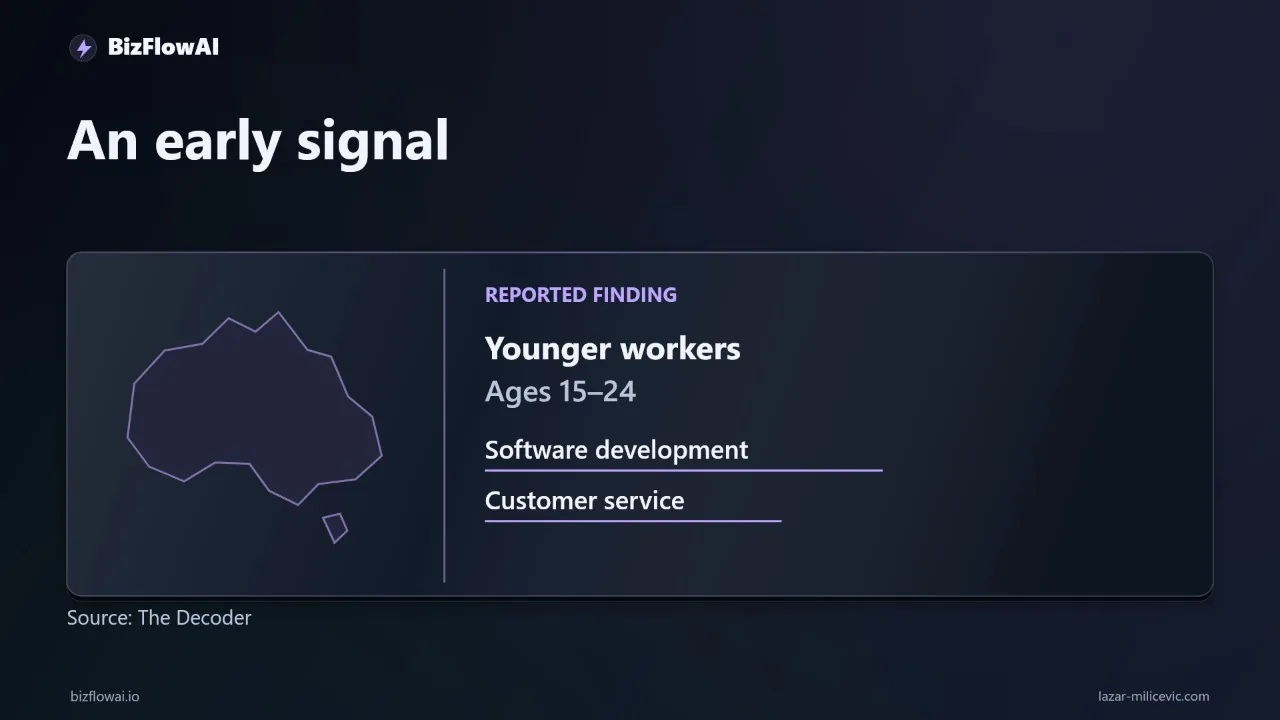
According to The Decoder’s report, Australia’s central bank found early signs of pressure on workers aged 15 to 24 in occupations highly exposed to AI, including software development and customer service. Since ChatGPT launched, job postings and employment in those fields have fallen more sharply for young workers than for older workers. The pattern is an early signal, not proof that AI caused the decline.
Why doesn’t a decline in junior hiring prove that ChatGPT caused it?
The timing alone cannot establish cause. Job postings and employment for young workers in AI-exposed occupations declined after ChatGPT launched, but business cycle changes and shifts in remote work could also help explain the pattern. The reported finding warrants further investigation; it does not show that ChatGPT automated away those jobs or justify treating every decline as an AI effect.
How do I test customer service automation before changing an entry-level role?
Run a twenty-ticket handoff test using resolved support messages in an environment approved for that customer data. For each ticket, record the correct outcome, required information, and any judgment call. Let the automation classify and draft a response, with sending disabled, then compare it with the actual resolution. Track review time, corrections, missed escalations, incorrect order lookups, and invented policies. Twenty cases can reveal gaps, but cannot establish reliability across the business.
Why does keeping people involved matter when automating customer support?
Entry-level support work does more than produce replies: handling orders, exceptions, and customer questions helps people learn the business. Automation can classify messages and prepare drafts, but a person should approve refunds or unusual promises and own the customer outcome. The system should then record approved actions in the customer record. Without clear ownership of exceptions, unresolved work can return to the founder.