Windows Is Becoming an AI Agent Host. Plan Accordingly.
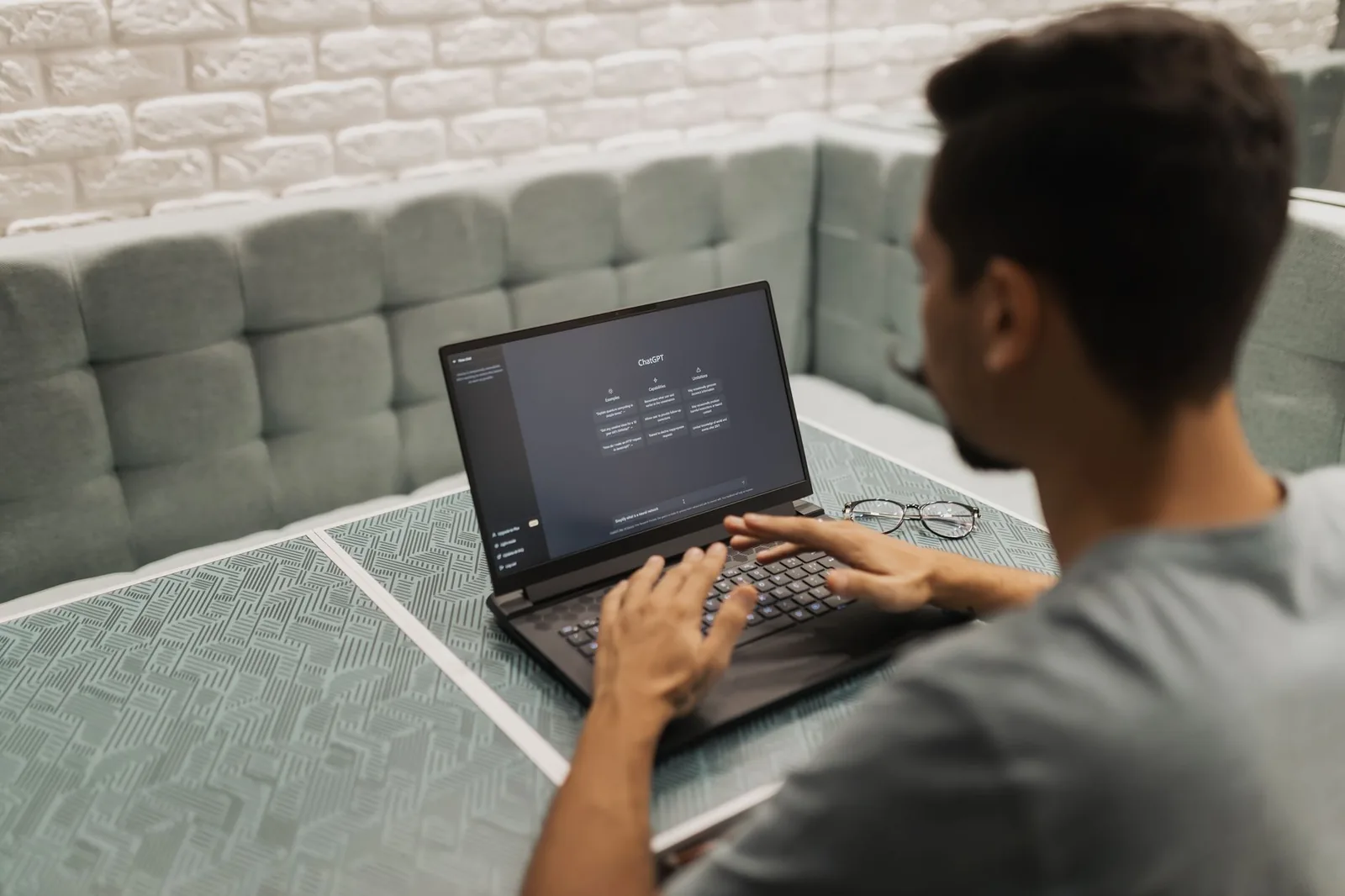
Microsoft's October 7 event pitched AI PCs, a new Surface, and a Windows that can host agents, and if you run a business on a few laptops and a shared inbox, the question isn't "what's the spec?" It's "do I buy anything, flip any switch, or change nothing?" I read launches like this as an integration problem, so here's what was announced, what's real today, and the one check worth running this week.
What Microsoft actually shipped (and what's still "coming")
Most of the AI-in-Windows story is either gated to new hardware or not yet available to ordinary users. The pieces that are real today are narrower than the keynote suggested, and the dates matter.
Here's the sorted list, using only what the sources confirm:
| Feature | Status as reported |
|---|---|
| Microsoft Execution Containers (MXC) | Generally available on Windows 11, announced October 7, 2026 |
| New Copilot capabilities (local files, actions on the PC, on-device models) | Copilot+ PCs only; "expected to begin rolling out in the coming months" |
| Windows Search with inline actions | Rolling out only to eligible Experimental-channel Windows Insiders; no public date |
| Surface Laptop Ultra + RTX Spark laptops from Asus, Dell, Lenovo, HP, MSI | Ship October 16, 2026 |
| RTX Spark compact desktops | On sale in November, per NVIDIA |
| Intune / Entra / Agent 365 controls for MXC | "Coming soon," no dates |
Two things in that table drive everything else. First, the Search and Copilot features that sound most useful for daily work are either Insider-only or limited to Copilot+ hardware, so a normal Windows 11 Home or Pro user has nothing new to switch on yet. Second, the management layer for agents hasn't shipped. Sources: Microsoft's announcement post, WindowsForum on the Copilot+ rollout, and GadgetHacks on Search.
The one feature that matters for builders: execution containers
MXC lets an organization define which files and networks an AI agent may touch, and Windows enforces that policy at runtime. That is the most consequential announcement for anyone who plans to let an agent act on a machine holding client data. Satya Nadella said at the event that the feature will be available to all Windows 11 users (TechCrunch). The code isn't brand new either: Process Isolation for MXC reached Windows 11 24H2 and 25H2 in the August 2026 update (WindowsForum).
Here's the catch. The central management pieces aren't shipped. Intune policy for MXC process containers, Entra separation of agent activity from user activity, and Agent 365 controls for local agents are all "coming soon." Until then, the agent's developer writes the container policy. In plain terms, the sandbox exists, but nobody in your company has a dashboard for it yet.
What that means in practice:
- If you adopt an agent that runs in an MXC container, its safety depends on the vendor's policy file, not on a setting you control centrally.
- Agent 365 is positioned as an enterprise control plane for governing agents across Windows and cloud (HotHardware). It's aimed at IT admins, not a five-person shop. I found no verified licensing or pricing for small businesses, so don't budget around it.
- Which agents support MXC today is still shifting. GitHub Copilot, OpenAI Codex, Replit, LM Studio and a few others are reported as supporting it, while several others are only "planned." Check the specific agent's own documentation before you assume it runs sandboxed.
Don't read MXC as a replacement for the older "Experimental agentic features" toggle. I found no official source tying the two together.
The Windows agent switch: off by default, device-wide when on
Windows ships its agent-host features turned off, and enabling them affects the whole machine, not just your profile. Microsoft's support page says the "Experimental agentic features" setting is off by default. Third-party documentation reports that turning it on requires an administrator account, applies to every user profile on the device, and provisions a separate agent account plus an Agent Workspace (WindowsForum).
A caveat: that guidance mostly dates from late 2025, and I couldn't confirm the current menu path or whether the feature is still labeled experimental. The support page gives System > AI Components > Experimental agentic features. Check your own machine rather than trusting my screenshot memory.
Why the "whole device" part matters for a small team: if you share a laptop, or one admin account is used loosely, one person flipping this switch changes the exposure for everyone who logs in. Here's the check I'd run today:
# Quick inventory: which of your Windows 11 machines are on which edition/build?
# Run in PowerShell on each machine and record the output in a spreadsheet.
Get-ComputerInfo -Property WindowsProductName, WindowsVersion, OsBuildNumber
Then open Settings and look at System > AI Components on each machine. Record whether the agentic setting is off (the default) and who holds admin rights. Ten minutes, zero dollars, and you'll know your actual starting position before any new feature arrives.
There's also a built-in layer worth knowing about: Windows includes an On-device Agent Registry based on the Model Context Protocol (MCP), with default connectors such as a File Explorer MCP server. Users and IT admins can control each agent's access to MCP servers, including through Intune (Microsoft Learn). If you've been wiring agents to tools yourself, this is Windows standardizing the same pattern.
The hardware: what $2,599.99 buys, and who it's for
The Surface Laptop Ultra starts at $2,599.99 and tops out at $5,899.99, which puts it well outside "just replace the old laptop" territory for a small business. Preorders opened October 7, and the laptop ships October 16 alongside RTX Spark machines from Asus, Dell, Lenovo, HP and MSI (Tom's Hardware).
The reported configurations:
| Config | Price | Notes |
|---|---|---|
| Entry | $2,599.99 | 18-core CPU, 5,120-core GPU, 24GB unified memory, 512GB SSD (TechRepublic) |
| Top | $5,899.99 | 20-core RTX Spark, 128GB RAM, 1TB storage (Notebookcheck) |
| Dev Box | about $6,000 (outlets say $5,999 or $6,000) | Workstation-class, aimed at developers (GadgetHacks) |
Outlets disagree on the maximum memory and exact configurations, so confirm on Microsoft's order page before quoting a spec. One detail that matters to small businesses: the 24GB configuration ships with Windows 11 Home, while the 32, 48, 64 and 128GB configurations ship with Windows 11 Pro (Microsoft). If you want Pro's management features, the cheapest model isn't the one.
NVIDIA says the compact RTX Spark desktops arrive in November and are designed for 24/7 operation of always-on agents (NVIDIA). That's the most interesting hardware idea in the whole event, because an always-on local box is closer to a back office than a laptop is. Treat the vendor numbers (petaflops, "unmetered" local models, battery life) as marketing until independent testing exists.
I'm not telling you to buy or not buy. I'm telling you that nothing in the verified reporting says your current machines are blocking you.
Front door vs. back office: where the hours actually go
An assistant on your desktop is a better front door; it is not a back office, and the work that eats a solo operator's week happens between apps, not inside one. The Windows changes shrink the distance between a task and an assistant. Drafting, searching, reviewing, asking questions about a file: that gets easier where the work already lives. For someone who loses two to four hours a day to email, invoicing and lead follow-up, less friction is real, and it's how you avoid abandoning the tool after a week.
But Gmail still doesn't talk to your CRM, your CRM still doesn't talk to accounting, and accounting still doesn't talk to chat. A desktop assistant can summarize the email in front of you. It can't, on its own, guarantee that the invoice got created, the lead got a follow-up on day three, and the record got logged without someone retyping it. That requires something that runs when your laptop is closed.
So run the audit that costs nothing. List your five most repetitive tasks and mark each one:
- Inside one app? A desktop assistant might genuinely help.
- Across two or more apps? That's an integration job, and new hardware doesn't solve it.
Then count roughly how often each happens per week and how many minutes it takes. Here's a made-up example with round numbers, purely to show the math:
Task                          Apps touched     Times/wk   Min each   Hours/wk
Email -> CRM contact           2 (Gmail, CRM)     25         4         1.7
Won deal -> invoice            3                   6        12         1.2
Day-3 lead follow-up           2                  15         6         1.5
Summarize long email thread    1                  10         5         0.8
Draft a reply                  1                  30         3         1.5

Cross-app total: 4.4 h/wk   Single-app total: 2.3 h/wk
In this illustration the cross-app tasks outweigh the single-app ones almost two to one. Your numbers will differ, which is the point of measuring. If the cross-app column adds up to more than a few hours a week, that's where payback lives, and no laptop purchase touches it.
Data handling: read the settings before you switch things on
More AI on the desktop means more of your documents, email and client files sit within reach of an AI feature, and some processing may be local while some may not. The reporting doesn't give a per-feature breakdown, so I won't guess. Microsoft's own settings and documentation will say which is which, and that's what to read before enabling anything on a machine that holds client data.
If you handle invoices, contracts, or anything with compliance exposure, this matters more than any benchmark. A practical order of operations:
- Leave "Experimental agentic features" off on any machine with sensitive client files until you've read what it provisions.
- If you try it, try it first on a spare or low-stakes device, and note that it applies device-wide.
- Prefer agents that document how they use MXC containers, since the central policy tooling isn't there yet.
- Keep credentials out of anywhere an agent can read. A scoped API key beats a full-access login every time.
Where this meets the work bizflowai.io does
The back-office half is the part I build for clients. At bizflowai.io the focus is the cross-app handoffs described above: inbound email triaged and logged to a CRM, leads followed up on a schedule, invoices generated and sent without retyping, with checks and a human review step where it matters, all running on a server rather than someone's laptop so it keeps working when the lid is closed. That's the same list I start from when scoping a client: which tasks cross apps, how often, and how many minutes each. A new Windows machine is a fine front door for that system, but it isn't a substitute for it.
My take: the industry will spend the next year selling AI PCs as if the device is the solution. For a small business that's backwards. The bottleneck was never laptop speed; it was people re-keying data between tools that don't connect. Buy hardware when your current machine is the actual limit. Until then, the leverage is in the integrations.
Want more like this?
I publish practical AI automation, GenAI engineering, and faceless content workflows on YouTube every week.
Subscribe to bizflowai.io on YouTube — never miss a new tutorial.
Planning an AI automation project or need a second opinion on your architecture?
Connect with me on LinkedIn — Lazar Milicevic, GenAI Engineer & bizflowai.io Founder.
Visit bizflowai.io for our services, case studies, and AI consulting.
Frequently asked questions
What did Microsoft announce for AI on Windows?
According to Ars Technica's coverage, Microsoft debuted new AI-oriented hardware and a set of Windows changes. The common thread is AI features moving closer to the operating system itself, with more of that work running on the desktop machine. The reporting points to AI becoming a default part of the desktop. Specific specs and pricing were not provided in the summary.
Why does OS-level AI matter for small businesses and founders?
When AI is built into the operating system, the gap between a task and an assistant shrinks. Work that used to mean copying text into a chat window and pasting the answer back can happen where the work already lives. Less friction makes people more likely to keep using the tools instead of abandoning them after a week.
Can a built-in desktop AI assistant fix disconnected business tools?
No. A desktop assistant lives on one machine and can summarize the email in front of you, but it cannot by itself make sure an invoice gets created, a lead gets a day-three follow-up, or a record gets logged without retyping. Those cross-app handoffs between email, CRM, and accounting require an integration that runs even when your laptop is closed.
How do I decide whether to buy new AI hardware or fix my workflows first?
List your five most repetitive tasks and mark each as happening inside one app or across two or more. Note how often each happens per week and how many minutes it takes. Single-app tasks may benefit from a desktop assistant. Cross-app tasks are integration jobs that new hardware won't solve. If cross-app tasks total more than a few hours weekly, fix those handoffs first.
What data privacy risks come with more AI on the desktop?
More AI on the desktop puts more of your documents, emails, and client files within reach of an AI feature. Some processing may happen locally and some may not. Microsoft's settings and documentation explain which applies to each feature. Read them before enabling features on a machine holding client data, especially invoices, contracts, or anything with compliance exposure.