Website Audit Kya Hota Hai? A Complete 2026 Guide
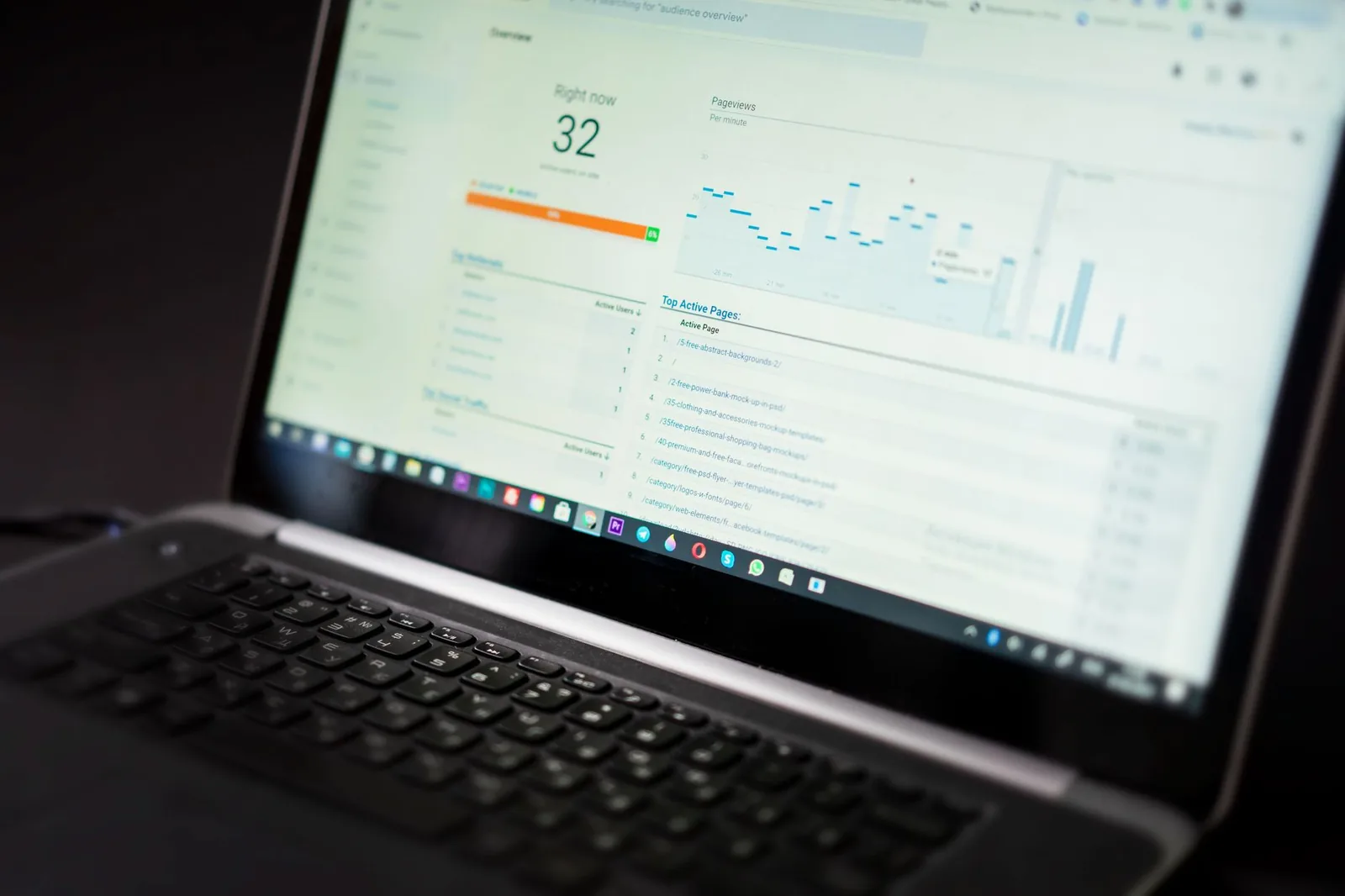
Your site loads fine on your laptop. Conversions dropped 18% last quarter and you don't know why. The dev who built it moved on. You're staring at Search Console, Lighthouse, GA4, and three Chrome extensions, and none of them agree.
That's the problem a website audit solves — a structured scan of what's actually broken versus what looks broken. This guide walks through what a modern audit covers in 2026, how to run one yourself, and where AI has actually replaced the manual grunt work (and where it hasn't).
What a website audit actually is
A website audit is a systematic inspection of a live site across five layers — technical health, on-page SEO, performance, accessibility, and conversion — that produces a prioritized fix list with an expected impact per fix. It is not a Lighthouse score. It is not "your site looks dated." It is a diff between how your site behaves and how a well-built site in your niche should behave, ranked by revenue impact.
The output of a good audit has three columns: finding, severity, effort. If your audit deliverable is a 40-page PDF with screenshots and no priority order, you got a report, not an audit. The point is to know what to ship on Monday.
Most solo operators and small teams don't need a full audit every month. You need one:
- Before a redesign or migration
- After a traffic drop of more than 15% you can't explain
- When conversion rate quietly slid over 2-3 months
- Every 6-12 months as a baseline check
- Before spending real money on paid traffic to that site
Why audits matter more in 2026 than they did in 2022
Three shifts changed the economics of ignoring your site's health.
Answer engines route traffic differently. ChatGPT, Perplexity, Google's AI Overviews and Claude with browsing all lift content from pages that render fast, have clean semantic HTML, and answer the query in the first ~60 words of a section. If your H2 opens with a fluff sentence, you don't get cited. Audits now check for AI-extractability, not just Googlebot friendliness.
Core Web Vitals are a real ranking input, not a tiebreaker. INP (Interaction to Next Paint) replaced FID as a Core Web Vital in March 2024 and it's harsher on JavaScript-heavy sites. A React SPA that felt fine two years ago can fail INP today without a single code change on your end — the metric moved.
Third-party scripts multiplied. The median small-business site loads 40+ third-party requests: analytics, chat, pixels, consent banner, A/B tool, review widget, session recorder. Each one is a performance and privacy liability. An audit is often the only time anyone counts them.
Skipping the audit is fine until you're paying $3 per click for traffic that lands on a 4-second LCP page and bounces.
The 5 layers of a modern website audit
Every serious audit covers these five layers. Skip any one and you have blind spots.
1. Technical / crawlability
Can search engines and answer engines find, render, and index your pages correctly? Key checks:
robots.txtdoesn't accidentally block important paths (I've seenDisallow: /shipped to production twice this year)- XML sitemap exists, is submitted, and only lists canonical, indexable URLs
- No
noindexon pages that should rank - Canonical tags point to themselves on the canonical URL, not to
/or a duplicate - HTTPS everywhere, no mixed content warnings
- 4xx and 5xx error rate in server logs
- Redirect chains (more than one hop is a smell)
- Structured data validates (Schema.org, JSON-LD)
Quick manual check:
# Grab your sitemap and see what you're actually telling Google
curl -s https://yoursite.com/sitemap.xml | grep -o '<loc>[^<]*' | wc -l

# Check robots.txt
curl -s https://yoursite.com/robots.txt

# Test a specific URL's HTTP behavior
curl -sI -L https://yoursite.com/pricing | grep -E "HTTP|Location|X-Robots"
2. On-page SEO and content
For each meaningful URL:
- One
<h1>, descriptive, matches search intent <title>under ~60 chars, unique per page- Meta description present, unique, not auto-generated from the first paragraph
- Heading hierarchy is real (H2 > H3, no skipping)
- Internal links use descriptive anchor text (not "click here")
- Images have alt text and are served in modern formats (WebP/AVIF)
- Content answers the query fully — no thin pages under ~400 words unless they're intentionally atomic
3. Performance (Core Web Vitals + real-user speed)
The three current Core Web Vitals:
| Metric | What it measures | Good threshold |
|---|---|---|
| LCP (Largest Contentful Paint) | Time until the main content is visible | < 2.5s |
| INP (Interaction to Next Paint) | Responsiveness to clicks/taps | < 200ms |
| CLS (Cumulative Layout Shift) | Visual stability | < 0.1 |
Run Lighthouse for a lab result, but trust field data from Chrome UX Report (CrUX) or your RUM tool for the truth. Lab and field diverge — a Lighthouse score of 95 on your MacBook means nothing if your customers are on 3-year-old Android phones on LTE.
4. Accessibility
Legally exposed in the US (ADA lawsuits against small business sites are a real category), morally correct, and it overlaps ~70% with SEO best practice. Run axe or Lighthouse's accessibility audit and fix at minimum:
- Color contrast failures on body text and CTAs
- Missing form labels
- Images without alt text
- Focus states removed with CSS
- Interactive elements that aren't keyboard-reachable
5. Conversion / UX
The layer most technical audits skip and where most revenue lives.
- Every page has one primary CTA above the fold
- Forms don't ask for fields you don't use
- Checkout / signup flow works on iOS Safari (not just Chrome desktop)
- 404 page routes users somewhere useful
- Search on the site returns results (or doesn't exist — pick one)
- Analytics is actually installed and firing (verify with the Tag Assistant, not with hope)
That last one matters more than it should. In audits we run, roughly a third of small-business sites have broken or double-firing analytics. Every decision made on that data is wrong.
The 90-minute manual audit you can run today
Before you buy any tool, you can get 80% of the value with a browser, a terminal, and a spreadsheet. Here's the sequence.
Minutes 0-15: Crawl inventory. Run Screaming Frog SEO Spider (free up to 500 URLs) or a headless crawler:
# Simple wget crawl to inventory URLs and status codes
wget --spider --recursive --no-verbose --output-file=crawl.log https://yoursite.com
grep -E "response|broken" crawl.log > audit-urls.txt
Export the crawl. You now have every URL, status code, title, meta description, H1, and word count in one CSV. This is your working document.
Minutes 15-30: Search Console pass. In Google Search Console, check:
- Coverage: how many pages indexed vs. submitted
- Any "Excluded" reasons that look wrong ("Crawled - currently not indexed" is the modern silent killer)
- Manual actions (rare but check)
- Top queries by impressions where CTR is under 2% at position < 10 — those are title/meta rewrites, easy wins
Minutes 30-50: Performance sample. Pick your five highest-traffic pages. Run each through:
- PageSpeed Insights (uses real CrUX field data if you have traffic)
- WebPageTest.org from a US mobile profile
Note LCP, INP, CLS, total blocking time, and total page weight. Anything over 2MB on a landing page needs a reason.
Minutes 50-70: Analytics + tracking sanity check. Open the site in Chrome with the Tag Assistant extension. Load a key page, click the primary CTA, submit a form. Verify each event fires exactly once. If GA4 shows zero conversions this month and you know you got sales, your tracking is broken. Fix that before anything else.
Minutes 70-90: Prioritize. Take your findings and put each in a spreadsheet with three columns:
| Finding | Severity (1-5) | Effort (hours) |
|---|---|---|
| GA4 not firing on /thank-you | 5 | 1 |
| LCP 4.1s on /pricing (hero image 900KB) | 4 | 2 |
| 47 pages with duplicate title tags | 3 | 4 |
| Missing alt text on 200 blog images | 2 | 6 |
Sort by severity descending, then effort ascending. Ship top to bottom.
Where AI actually helps (and where it doesn't)
AI tooling in 2026 is genuinely good at pattern-heavy, repetitive audit work. It's still bad at judgment.
AI is good at:
- Reading a 5,000-URL crawl CSV and clustering issues ("87 pages share this title pattern; here's the fix")
- Rewriting title tags and meta descriptions in bulk with a style guide
- Reading Lighthouse JSON output and translating findings into engineer-actionable tickets
- Summarizing Search Console query data into content gaps
- Generating alt text from image content
- Explaining a stack trace or a specific Web Vitals regression from a HAR file
AI is bad at:
- Deciding your site strategy or information architecture
- Judging brand voice on rewrites (it drifts toward generic within 20 revisions)
- Detecting subtle conversion issues that need actual user testing
- Anything that requires context about your business it doesn't have
The workflow that works: run the crawl and pull the raw data manually or with your existing tool, feed structured outputs to an LLM (Claude, GPT, whatever) with a prompt that includes your brand context and priority framework, then have a human sign off on the fix list before anything ships.
Here's a minimum-viable prompt structure I use with Claude Code when auditing a client site:
context:
  business: "SaaS onboarding tool, $49/mo, US SMB market"
  primary_goal: "signup on /trial"
  brand_voice: "direct, technical, no hype"
inputs:
  - screaming_frog_export.csv
  - lighthouse_reports/*.json
  - gsc_queries_last_90d.csv
task: |
  1. Cluster technical issues by root cause
  2. Rank by (traffic_impact * severity) / effort_hours
  3. For top 10, write engineer-ready tickets with:
     - the exact URL(s) affected
     - the specific fix
     - how to verify after deploy
constraints:
  - no fabricated metrics
  - flag anything ambiguous rather than guess
That's it. The magic is not in the model — it's in feeding it the right structured data and constraining the output.
Common audit mistakes small teams make
Auditing without a business goal. If you don't know whether the site's job is signups, ecommerce checkouts, or booked calls, every recommendation is generic. Write the goal at the top of the audit doc first.
Chasing a 100 Lighthouse score. Diminishing returns kick in hard past 90. Going from 45 to 85 is worth weeks of work. Going from 92 to 100 usually isn't.
Fixing findings by tool count, not impact. "SEMrush found 4,200 issues" is not a plan. Ninety percent are noise (missing alt text on decorative icons, "low word count" on legitimate short pages). Filter aggressively.
Ignoring server logs. Search Console shows you what Google reports back. Server logs show you what Googlebot actually did — how often it crawled, which pages it wasted budget on, what returned 5xx. For any site over ~1,000 URLs, log analysis catches things nothing else does.
Auditing once and never re-checking. An audit is a snapshot. Web platforms change (INP replaced FID, Core Web Vitals thresholds shift, new schema types matter). Set a calendar reminder for 6 months out.
How BizFlowAI approaches this
We build audit automations for clients who don't want to babysit five different SEO tools every quarter. The pattern we ship most often: a scheduled job that crawls the client's site weekly, pulls Search Console and CrUX data via API, runs Lighthouse against a defined set of key URLs, and pipes everything into an LLM step that produces a prioritized diff against last week's baseline. Regressions get flagged in Slack with the specific URL, metric, and probable cause. No dashboard to check. No 40-page PDF.
The value isn't the AI — it's that audits stop being a quarterly panic and become a background signal. If your INP silently degraded because a new marketing tag started blocking the main thread, you hear about it Monday morning, not three months later after your rankings slipped. If you want to see what this looks like on a real site, BizFlowAI runs the setup end-to-end.
What to do this week
If you read this far and take away one thing: run the 90-minute manual audit on your own site before the end of the week. You will find at least three fixes worth shipping. Analytics probably isn't firing correctly somewhere. A title tag is duplicated on pages that matter. An image on your highest-traffic page is 800KB when it should be 80KB.
Then decide whether the ongoing monitoring is worth automating. For a five-page marketing site, probably not — quarterly manual is fine. For a growing SaaS site or ecommerce store with 500+ URLs and real paid traffic, the answer is almost always yes, and the ROI shows up the first time a silent regression gets caught in a week instead of a quarter.
The best audit is the one that ends with tickets in your queue on Monday. Everything else is theater.
Work with BizFlowAI
If you'd rather have this built for you, that's what we do: production AI automation for solo founders and small teams — agents, integrations, and document pipelines that actually ship.
Book a free discovery call — 30 minutes, we map the highest-ROI automation in your workflow. No pitch deck, just engineering.
More guides like this on the BizFlowAI blog.
Frequently asked questions
What is a website audit?
A website audit is a systematic inspection of a live site across five layers: technical health, on-page SEO, performance, accessibility, and conversion. It produces a prioritized fix list ranked by revenue impact, not a raw Lighthouse score or a generic PDF report. Each finding includes severity and effort so the team knows what to ship first. It compares how the site actually behaves to how a well-built site in the same niche should behave.
When should I run a website audit?
Run a full audit before a redesign or migration, after an unexplained traffic drop of more than 15%, or when conversion rate slid quietly over 2-3 months. It's also worth doing every 6-12 months as a baseline and before spending real money on paid traffic. Most solo operators and small teams don't need one every month. Skipping it becomes expensive once you're paying for clicks that land on slow pages.
What are the current Core Web Vitals thresholds in 2026?
The three Core Web Vitals are LCP (Largest Contentful Paint) under 2.5 seconds, INP (Interaction to Next Paint) under 200 milliseconds, and CLS (Cumulative Layout Shift) under 0.1. INP replaced FID in March 2024 and is stricter on JavaScript-heavy sites, so React SPAs that passed before may fail now. Use lab tools like Lighthouse for diagnostics but trust field data from CrUX or your RUM tool for real scores.
How do I run a website audit myself in 90 minutes?
Spend 15 minutes crawling the site with Screaming Frog or wget to inventory URLs and status codes, then 15 minutes in Google Search Console reviewing coverage and low-CTR queries. Sample your five highest-traffic pages in PageSpeed Insights and WebPageTest for 20 minutes, then verify analytics and tag firing with Chrome Tag Assistant for 20 minutes. Finish by scoring each finding in a spreadsheet by severity (1-5) and effort in hours, then ship top to bottom.
Where does AI help with website audits and where does it fail?
AI is good at clustering issues in large crawl CSVs, rewriting title tags and meta descriptions in bulk, translating Lighthouse JSON into engineer tickets, summarizing Search Console data into content gaps, and generating image alt text. It's bad at deciding site strategy, information architecture, or judging brand voice. Treat AI as leverage for pattern-heavy grunt work, not as a replacement for judgment calls about priorities or positioning.