Walmart’s AI Shopping Plan: Who Controls Your Budget?
▶ Watch the video version of this article
You've probably got a recurring order sitting in your head right now: shipping labels, printer paper, cleaning supplies. Someone checks stock, hunts for a replacement, builds a cart, and pings the owner for sign-off. Walmart just announced controls for AI agents that shop on a customer's behalf, and the useful question isn't "can an agent buy this?" but "who decides what it's allowed to buy, and how do you see that decision before money moves?"
What Walmart Actually Announced (and What It Didn't)
Walmart announced Agent Profiles, the Walmart Agent Gateway, and terms for third-party AI agents on October 21, 2026, covering Walmart and Sam's Club (Unite.AI). Agent Profiles are launching "in the next month," per Walmart's newsroom post. Walmart gave no exact date, so treat "late November" as a rough expectation, not a commitment.
One correction to how this is often framed: agents can already shop through a browser. What's new is structure. Today, an agent using a customer's account mixes its orders in with the customer's own, and you can't tell them apart (Digital Commerce 360). Agent Profiles are meant to fix that: each authorized agent gets its own profile inside the account, its orders show up separately, and the customer can switch it off at any time (The Keyword).
The Agent Gateway is a separate piece. It's built on the Model Context Protocol (MCP), an open standard that lets agents talk to Walmart's shopping services directly instead of clicking through pages (Retail Dive). It's currently an invitation-only early beta for companies and developers, not open to the public (Tech Journal).
What's not confirmed, and what I won't build a process around:
- Which agents will support Agent Profiles at launch, or whether Walmart+ is required.
- Whether any of this applies to business or Walmart Business accounts. In the sources I reviewed, I didn't find the announcement being applied to business accounts such as Walmart Business. The small-business angle in this post is my interpretation, not something Walmart announced.
- Whether a "spending limit" is per order, per day, or per month.
That last one matters more than it looks, and I'll come back to it.
The Two Approval Modes, and Why Neither Is Enough
Walmart's customers choose between two modes: approve every purchase, or let the agent buy within a spending limit they set. Walmart's examples of limits are $50, $100, or $200 (Chain Store Age). Those are examples, not fixed tiers.
By default, customers must approve agent purchases, and Walmart may require extra approvals even for purchases inside the limit (PPC Land). Agents never receive the customer's card number and can't add or change a payment method (CellCog).
That's a sensible design. Credential isolation and a default-deny approval step are what I'd want from any platform that lets software spend money. But a spending limit answers exactly one question: how much can leave the account?
It doesn't answer whether the agent chose the right item. A cart can sit comfortably under $100 and still contain:
- Labels that don't fit your printer.
- A cheaper listing with fewer units per pack, so the unit price is worse.
- A "similar" substitution that's useless for the actual job.
- A repeat of something you already ordered last week.
Walmart says agents see the same prices a human would, with applicable offers and fees shown before purchase (The Shelby Report). Good. That's price integrity. It isn't decision integrity. The platform can't know what a correct choice means for your business. You have to define that.
The Workflow I'd Design
This is a proposed architecture, not a description of Walmart's implementation. Five stages, each with a single job:
- Trigger. A stock sheet flags an approved item for reorder. Only items on an allow-list can trigger a purchase request.
- Proposal. An agent searches and builds a proposed cart. It has no checkout ability at this stage.
- Rules check. A separate step, not the agent grading its own work, compares the cart against allowed products, quantities, and budget.
- Human approval. The owner gets a short request showing the decision, not just a total.
- Record. Only after approval does the purchase proceed. The receipt goes to accounting.
The separation between stages 2 and 3 is the part people skip. If the same model proposes the cart and decides it's compliant, you've built a system that agrees with itself.
Here's the policy as data, so the rules check is code and not vibes:
# reorder_policy.yaml: one recurring order, fully specified
item: shipping_labels
spec:
  size: "4x6 in"
  compatible_printers: ["Zebra ZD421"]   # example; use your own
  min_pack_units: 500
  max_delivered_price_per_pack: 24.00     # example figure
  substitutions_allowed: false
budget:
  per_order_max: 60.00                    # example figure
  per_month_max: 120.00                   # example figure
duplicate_window_days: 14
on_missing_info: flag_do_not_guess
And a rules check that runs outside the agent:
from datetime import date, timedelta

def check_cart(cart, policy, order_history, spent_this_month):
    problems = []

    if cart["substitution"] and not policy["substitutions_allowed"]:
        problems.append("Substitution not allowed for this item")

    if cart["units_per_pack"] < policy["spec"]["min_pack_units"]:
        problems.append(f"Pack too small: {cart['units_per_pack']} units")

    if cart["delivered_price"] > policy["spec"]["max_delivered_price_per_pack"]:
        problems.append("Delivered price over per-pack cap")

    if cart["delivered_price"] > policy["budget"]["per_order_max"]:
        problems.append("Over per-order budget")

    if spent_this_month + cart["delivered_price"] > policy["budget"]["per_month_max"]:
        problems.append("Would exceed monthly budget")

    cutoff = date.today() - timedelta(days=policy["duplicate_window_days"])
    if any(o["item"] == cart["item"] and o["date"] >= cutoff for o in order_history):
        problems.append("Duplicate: same item ordered inside the window")

    return problems  # empty list = eligible for human approval, not auto-buy
Note the last comment. An empty problem list means "eligible to ask the owner," not "buy it." Whether you ever relax that is a decision you earn with evidence, not one you start with.
What the Approval Request Should Show
A bare total teaches the approver to rubber-stamp. After a dozen "$42.18, approve?" messages, you stop reading them. The request has to surface the decision.
Minimum fields:
- Requested product (what the policy asked for).
- Proposed product (what the agent picked).
- Quantity and units per pack.
- Delivered cost, including shipping and fees.
- Substitution flag, plainly worded if the product differs.
- Budget position: spent this month versus the cap.
- Rules-check result, including anything flagged.
A compact version for Telegram, Slack, or email:
REORDER REQUEST: Shipping labels
Requested: 4x6 thermal, 500/pack
Proposed:  4x6 thermal, 500/pack (exact match)
Qty: 2 packs | Delivered: $38.40
Substitution: none
Month so far: $41.00 of $120.00
Rules check: passed
[Approve] [Reject] [Ask for alternatives]
If something's off, the message should lead with it:
⚠ SUBSTITUTION: requested 500/pack, proposed 250/pack
Unit cost is higher than your usual. Rules check: FAILED (pack too small)
The goal is that the owner can approve an action without repeating the entire search. If they have to open the store page to verify, the automation hasn't saved the time you thought it did.
Per-Order Limits Aren't Budget Control
Here's the unverified detail I flagged earlier. Walmart gives $50, $100, and $200 only as examples. It doesn't say whether a limit applies per order, per day, or per month. One secondary site describes a Walmart sample screen as "Require approval over $50.00," which reads like a per-purchase threshold, but I'd treat that as a hint, not a spec.
Whatever Walmart ships, build your own period budget. A per-order cap alone has a failure mode that's easy to demonstrate with round example numbers: set a $50 per-order limit, and an agent (or a buggy trigger) can place a $45 order on Monday, Tuesday, Wednesday, and Thursday. Every order passes. You've spent $180 in four days on a task you budgeted $60 a month for.
So track three layers separately:
- Per-order cap: stops a single expensive mistake.
- Period budget (weekly or monthly): stops accumulation.
- Duplicate window: stops the same item being reordered before the last one has even shipped.
If you're only getting one of these from the platform, you're responsible for the other two. Keep the ledger in your own system, a spreadsheet works to start, so the budget check doesn't depend on a limit whose semantics you can't see.
Test Without Checkout Access
You can validate the whole process before connecting a payment method, and you should. Write the policy for one recurring order, then run it with the agent producing purchase requests only.
Ask your AI assistant to prepare a request from the policy. Require it to flag missing information instead of guessing. Review the output yourself. This is doable by hand, before any systems are connected.
Then run three test cases:
- The correct item. Should be accepted and reach the approval step.
- A cheaper incompatible item. Should be stopped by the rules check.
- A repeat request for something already ordered. Should be stopped by the duplicate window.
The useful result is whether your process accepts the valid request and stops the other two. Record what happened, including the ones that slipped through. And don't call it time saved until you've measured the review and correction work too. If you spend ten minutes fixing carts to save five minutes of searching, you've built a hobby.
Some fallbacks worth knowing about before you go live: Walmart's standard returns process applies to agent purchases, including when an agent doesn't act as intended (Yahoo Finance), and Walmart says agents that don't follow its terms will be blocked from the site (Technori). Returns are a safety net, not a plan. Catch the wrong item before it ships.
Why This Is Bigger Than Walmart
Walmart and Amazon are taking opposite positions on outside shopping agents. Amazon blocked Meta's Muse agent about a month before Walmart's announcement (MarketScale). Walmart, for its part, reported earlier this year that products sold directly inside ChatGPT's Instant Checkout converted three times worse than purchases that sent users to Walmart's own site (CNBC), which helps explain why it now wants control of the checkout itself.
For a small business, the takeaway isn't to pick a side. It's that the rules of agent purchasing will differ by merchant, change quickly, and sometimes lock agents out entirely. If your process depends on one vendor's guardrails, you inherit that vendor's gaps. If your policy, budget ledger, and approval step live in your own system, you can swap the storefront underneath without rewriting how you decide what to buy.
That's the signal I'd take from this announcement: purchase controls are now a first-class feature, not an afterthought. An agent that can spend money creates another process you have to supervise. An agent with clear boundaries, visible decisions, and a reliable approval handoff is useful infrastructure. Start with one repeat purchase and expand when the evidence supports it.
Why bizflowai.io Helps with This
The hard part of this workflow isn't the shopping. It's the connective tissue: reading a stock sheet, applying a written policy, routing a clear approval request to Slack, Telegram, or email, and writing the receipt into accounting. I build practical AI automations for solopreneurs and small teams, and a purchasing flow like this is the kind of handoff chain I'd design. I'd start it the way I described above: one recurring order, no checkout access, measured before it's trusted.
Want more like this?
I publish practical AI automation, GenAI engineering, and faceless content workflows on YouTube every week.
Subscribe to bizflowai.io on YouTube — never miss a new tutorial.
Planning an AI automation project or need a second opinion on your architecture?
Connect with me on LinkedIn — Lazar Milicevic, GenAI Engineer & bizflowai.io Founder.
Visit bizflowai.io for our services, case studies, and AI consulting.
Frequently asked questions
What is Walmart planning for AI agents?
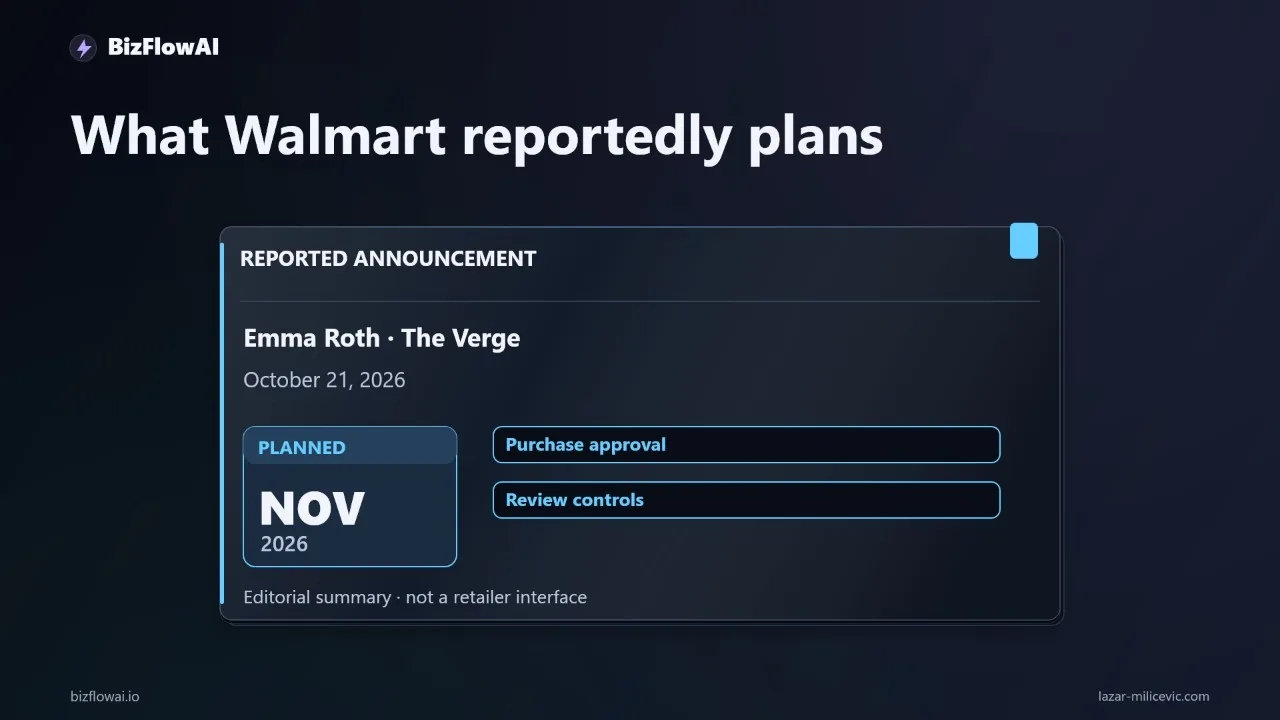
According to Emma Roth's October 21 report in The Verge, Walmart plans to let AI agents shop on its website in November. The report describes controls that let users approve and review purchases and set spending limits. It's a planned capability, not proof that agents can already run purchasing reliably, and the report doesn't confirm which agents will work or how business accounts will be handled.
How do I test an AI purchasing workflow safely before giving it checkout access?
Write a purchasing policy for one recurring order, such as shipping labels. Specify exact dimensions, printer compatibility, acceptable pack size, maximum delivered price, and whether substitutions are allowed. Have your AI assistant prepare a purchase request from those rules and flag missing information instead of guessing. Review it yourself, then test three cases: the correct item, a cheaper incompatible item, and a repeat request for something already ordered.
Why isn't a spending limit enough to control an AI shopping agent?
A spending limit only answers how much money can leave the account. It doesn't show whether the agent chose the right item. A cart can stay under budget and still contain labels that don't fit your printer, a cheaper listing with fewer units, or a substitution that is useless for the job. Approval requests should show the decision itself, not just a total.
What should an approval request for an AI-proposed purchase include?
A useful approval request shows the decision, not just the total: the requested product, the proposed product, the quantity, the delivered cost, and any substitution. This gives the owner enough context to approve the action without repeating the entire search. Also set a budget for the whole period, not just each order, so several small purchases can't collectively overspend while each passes a per-order limit.
How should a small business structure an AI-assisted reordering workflow?
One proposed design: a stock sheet flags an approved item for reorder, an agent proposes a cart, and a separate rules check compares the cart against allowed products, quantities, and budget. The owner then receives a short approval request. Only after approval can the purchase proceed, with the receipt recorded for accounting. This is a suggested architecture, not a description of Walmart's implementation. Start with one repeat purchase.