The Best Website Analysis Tools in 2026 (Free & Paid)
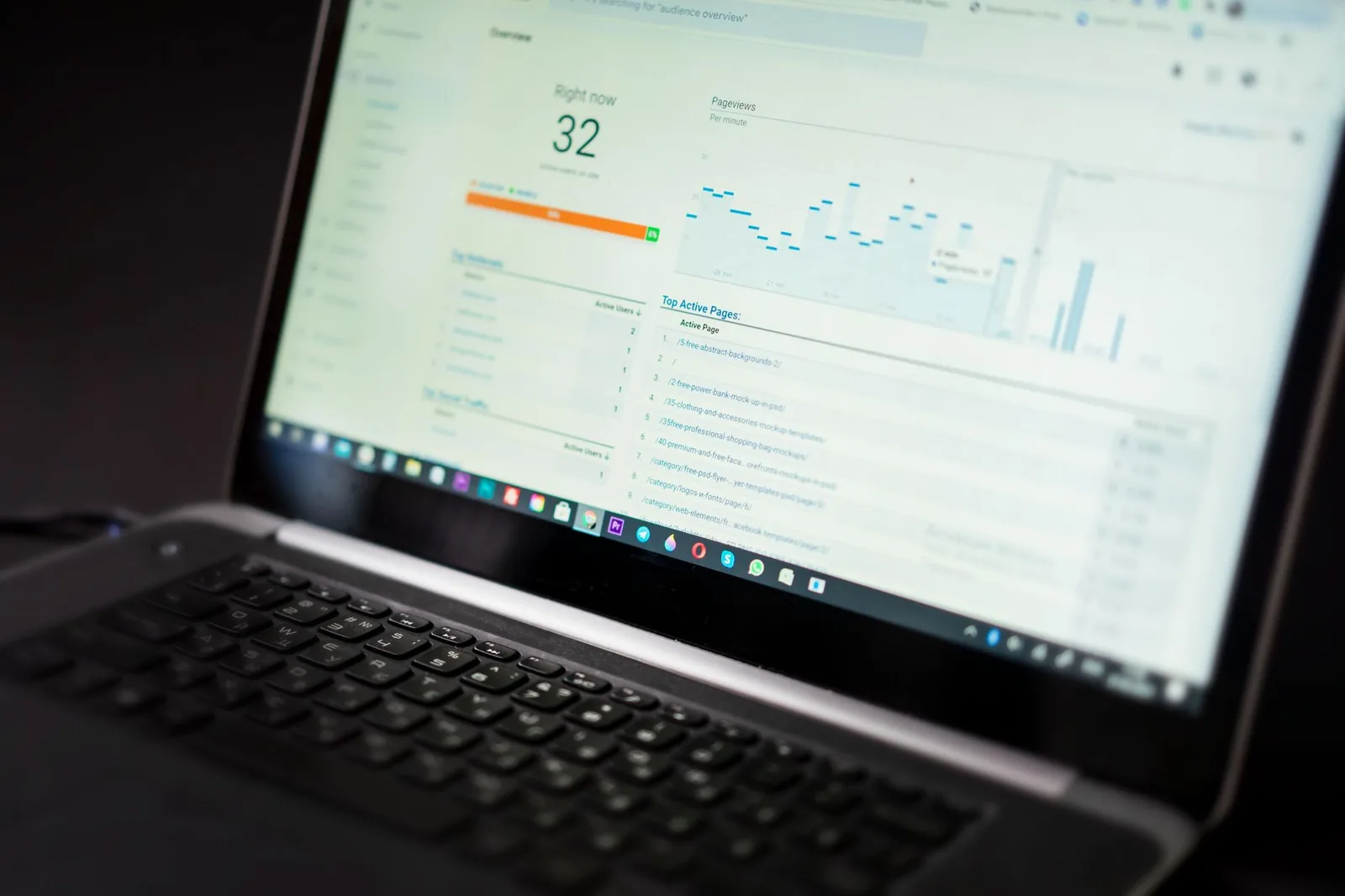
You launched a site, wired up analytics, and now you have four dashboards, a Core Web Vitals warning email, and no idea what's actually broken. Whether you're a solo founder debugging a checkout drop-off or an ops person auditing a client's marketing site, picking the wrong analysis tool wastes weeks. This post is the shortlist I actually use and recommend to clients — split by what each tool is genuinely good at, not by affiliate payouts.
What "website analysis" actually means in 2026
Website analysis is not one job. It's five overlapping ones, and most tools only do two well. Before you pick anything, know which of these you actually need: performance (Core Web Vitals, TTFB, render-blocking assets), SEO (indexation, crawl issues, backlinks, keyword coverage), behavior analytics (funnels, session replay, event tracking), technical audit (accessibility, security headers, broken links), and AI-driven diagnosis (what to fix first and why).
The mistake I see most often: a solo founder pays for Ahrefs because "SEO tool," then wonders why their checkout conversion is still 1.8%. Ahrefs was never going to tell them that. Match the tool to the question you're asking. Below is the shortlist, grouped by what each one actually answers.
The free tools that cover 80% of solo cases
If you're pre-revenue or under 10k monthly visits, you probably don't need to pay for anything. Four free tools, used together, will catch most real issues.
Google Search Console is non-negotiable. It's the only tool that shows what Google actually thinks of your site — index coverage, mobile usability, Core Web Vitals from real Chrome users (CrUX data), and the exact queries you rank for. Nothing else has this data. If you're not checking GSC weekly, you're guessing.
PageSpeed Insights (built on Lighthouse) gives you a lab test plus field data. The lab score is directional; the field data at the top of the report is what matters — it's real users on real connections. Ignore the round number, read the specific opportunities.
Google Analytics 4 is free, hated, and still necessary if you want cross-session attribution without paying. GA4's event model is a learning curve, but the Explorations tab does real funnel analysis once you've defined events properly.
Screaming Frog SEO Spider (free up to 500 URLs) is a desktop crawler that finds broken links, missing meta tags, duplicate titles, and orphan pages faster than any SaaS. For a solo site under 500 pages, the free tier is enough.
# Quick sanity check with curl before you touch any tool:
curl -sI https://yoursite.com | grep -iE 'status|cache-control|content-encoding|x-'
curl -s -o /dev/null -w "TTFB: %{time_starttfb}s\nTotal: %{time_total}s\n" https://yoursite.com
If TTFB is over 600ms from your own machine, no amount of image optimization will save your LCP score. Fix the server first.
Performance and Core Web Vitals: what to actually use
Lighthouse CI in a GitHub Action is what I set up for every client site. It runs on every PR, blocks merges if performance regresses, and posts a comment with the delta. You avoid the "we shipped a hero video and killed LCP" situation.
# .github/workflows/lighthouse.yml
name: Lighthouse CI
on: [pull_request]
jobs:
  lhci:
    runs-on: ubuntu-latest
    steps:
      - uses: actions/checkout@v4
      - uses: actions/setup-node@v4
        with: { node-version: '20' }
      - run: npm install -g @lhci/cli
      - run: lhci autorun --collect.url=https://staging.yoursite.com --assert.preset=lighthouse:recommended
WebPageTest (the free public instance, or the paid API for CI) is what I use when Lighthouse says "your site is fine" but users say it's slow. It runs from real device profiles on throttled connections and gives you a filmstrip. The filmstrip is the killer feature — you see exactly when the user thinks the page is done vs. when it actually is.
SpeedCurve (paid, starts around the low three figures monthly — check current pricing) is what agencies buy when they need to track performance across dozens of sites over time. Solo founders don't need this. If you're managing 20+ client sites, it's worth it.
Calibre and DebugBear occupy a similar space to SpeedCurve — RUM plus synthetic monitoring, alerting on regressions. Pick one, don't shop them side-by-side for months.
For a single site under $10k MRR, honestly: Lighthouse CI + weekly manual WebPageTest runs is enough. Don't buy a monitoring SaaS you'll ignore.
SEO analysis: Ahrefs, Semrush, and the honest tradeoffs
| Tool | Best for | Free tier | Where it's weak |
|---|---|---|---|
| Ahrefs | Backlink data, competitor gap analysis | Webmaster Tools (own site only) | UX for beginners, on-page audits |
| Semrush | Keyword research, content briefs, PPC data | Limited daily queries | Backlink freshness vs. Ahrefs |
| Sitebulb | Technical audits, crawl visualizations | 14-day trial | Not a keyword tool |
| Screaming Frog | Fast technical crawls, custom extraction | Up to 500 URLs | No historical tracking |
| Ubersuggest | Cheap keyword ideas | Limited daily queries | Data depth vs. tier-1 tools |
The honest take: Ahrefs and Semrush are both excellent and mostly overlap. Pick one based on which UI you tolerate. If you write content and want briefs, Semrush. If you obsess over backlinks and competitor gaps, Ahrefs. Both cost enough that if you're pre-revenue, wait.
Ahrefs Webmaster Tools is free and gives you backlink data for sites you own. This is often enough for solo founders — you don't need competitor spy data yet, you need to know who links to you.
For technical SEO specifically (not keyword research), Sitebulb is underrated. It produces audits with prioritized issues — not just "here's a list of 400 warnings" but "fix these three things first, here's why." That prioritization is what most SEO tools miss.
Behavior analytics: what real users are doing
This is where most sites are flying blind. Rankings and performance mean nothing if visitors bounce.
PostHog (free tier is generous, self-hostable) is what I install by default now. It combines product analytics, session replay, feature flags, and A/B testing in one open-source tool. For a solo founder, the free cloud tier covers most needs. If you're privacy-sensitive, self-host it on a $20/month VPS.
Microsoft Clarity is genuinely free (no volume cap, no forced upsell) and gives you heatmaps and session recordings. It's not as powerful as Hotjar, but the price is right. I install it on every client marketing site as a baseline.
Hotjar is polished but paid past a low threshold. If you have budget and want the best UX for non-technical stakeholders looking at replays, Hotjar wins on interface.
Plausible and Fathom are the privacy-focused GA4 alternatives. They don't do funnels or replay — they do lightweight page-level analytics without cookies. If GDPR compliance without a cookie banner is your priority, one of these plus Clarity for replays is a solid stack.
The stack I recommend for a solo B2B SaaS: PostHog for product events + Clarity for marketing site replays + GSC for search. Total cost: $0 until you scale. This combination answers 90% of "why isn't this converting?" questions.
Accessibility, security, and the audits nobody runs until it hurts
Two categories most people ignore until a lawsuit letter or a security disclosure:
axe DevTools (browser extension, free tier) and WAVE are the two accessibility scanners I use. Neither is complete — automated tools catch roughly a third of WCAG issues — but they catch the easy stuff (missing alt text, low contrast, unlabeled form fields) that makes up most complaints. Run one before every launch.
Mozilla Observatory and securityheaders.com are free and instant. Paste your URL, get a security header report card. If you're missing HSTS, CSP, or X-Content-Type-Options, fix them. This is a 30-minute job that closes real vulnerabilities.
Snyk and Dependabot handle the JavaScript dependency side — critical if your site is a React/Next app. Free for public repos, cheap for private.
# Fast local accessibility check with pa11y-ci in CI:
npx pa11y-ci --sitemap https://yoursite.com/sitemap.xml --sitemap-exclude "/blog/"
Wire this into CI and you'll catch most regressions before they ship.
AI-powered website analysis: what's actually new
This is the category that changed most between 2024 and 2026. The old model — "here are 400 warnings, good luck" — is finally dying. The new tools use LLMs to prioritize, explain, and sometimes propose fixes.
What actually works in AI-powered analysis right now:
- Issue prioritization — instead of a flat list, tools rank findings by likely revenue impact based on your traffic and funnel data.
- Plain-English root cause — "your LCP is bad because of this specific render-blocking script, and here's the exact line to defer."
- Cross-source correlation — pulling GSC, GA4, PageSpeed, and crawl data into one narrative instead of five tabs.
- Automated PR suggestions — some tools now open pull requests with the fix, not just the diagnosis.
What doesn't work yet: anything claiming to fully "auto-optimize" your site. I've tested a dozen of these. They break more than they fix, especially on custom stacks. Treat AI suggestions as a senior dev's first-pass review, not a merge-and-forget.
Tools worth watching in this space: BizFlowAI (covered below), SEO.ai for content briefs, Otterly.ai for tracking how LLM answer engines cite your site (a new SEO surface that matters more every quarter), and Rankscale for AI-assisted technical audits.
The genuinely useful shift: analysis tools that write to your GitHub, your CMS, or your ticket tracker instead of just showing you a dashboard. Analysis without action was always the bottleneck.
How BizFlowAI approaches this
We build website analysis into the automation layer, not as another dashboard. The typical client setup: a scheduled job pulls Search Console queries, PageSpeed field data, and GA4 conversion events, correlates them, and posts a weekly summary to Slack with the three highest-leverage fixes — ranked by impact on revenue, not by generic severity. When we can, we open the pull request too. For a solo founder, this replaces the "check five dashboards on Monday" ritual that never actually happens.
Where BizFlowAI fits in the tool landscape above: we're not trying to replace Ahrefs, PostHog, or Lighthouse — those data sources are excellent. We sit on top of them, doing the correlation and prioritization work that a senior consultant would do manually at $200/hour. If you're already running a decent free-tool stack and drowning in signals, this is the layer that turns signals into shipped fixes.
The stack I'd actually recommend
For a solo founder under 10k monthly visits, pre-revenue or early revenue:
- Search Console (free) — weekly check
- PageSpeed Insights (free) — before every deploy
- Lighthouse CI (free) — in your GitHub Actions
- PostHog free tier or Microsoft Clarity — for behavior
- Screaming Frog free tier — quarterly crawl
- axe DevTools + securityheaders.com — before launch
Total cost: $0. This covers roughly 80% of what a paid stack would catch.
For a growing SMB with a small team and real revenue:
- Add Ahrefs or Semrush (pick one)
- Add Sitebulb for quarterly deep audits
- Upgrade PostHog to paid tier or add Hotjar
- Add a performance monitoring SaaS (SpeedCurve, Calibre, or DebugBear)
- Layer an AI-driven prioritization tool on top so someone actually acts on the data
The mistake to avoid at every stage: buying tools before you've defined the question. "We need better analytics" is not a question. "Why does our checkout drop off between step 2 and step 3?" is. Pick tools that answer specific questions you're asking today, not every question you might ask someday.
Work with BizFlowAI
If you'd rather have this built for you, that's what we do: production AI automation for solo founders and small teams — agents, integrations, and document pipelines that actually ship.
Book a free discovery call — 30 minutes, we map the highest-ROI automation in your workflow. No pitch deck, just engineering.
More guides like this on the BizFlowAI blog.
Frequently asked questions
What are the best free website analysis tools in 2026?
The four free tools that cover most solo use cases are Google Search Console (index coverage and real Chrome user Core Web Vitals data), PageSpeed Insights (Lighthouse lab and field data), Google Analytics 4 (event-based funnels), and Screaming Frog SEO Spider (free up to 500 URLs for technical crawls). For behavior analytics, add Microsoft Clarity for free heatmaps and session recordings. This stack costs zero and answers roughly 80% of questions solo founders under 10k monthly visits actually have.
Should I use Ahrefs or Semrush for SEO in 2026?
Both tools are excellent and mostly overlap in features, so pick based on your workflow. Choose Semrush if you write content and want keyword research and content briefs. Choose Ahrefs if you focus on backlink data and competitor gap analysis. If you're pre-revenue, use the free Ahrefs Webmaster Tools instead, which gives backlink data for sites you own.
What's the best behavior analytics stack for a solo SaaS founder?
The recommended zero-cost stack is PostHog for product events (generous free tier, self-hostable), Microsoft Clarity for marketing site heatmaps and session replays (genuinely free with no volume cap), and Google Search Console for search data. This combination answers about 90% of conversion and funnel questions. If GDPR without a cookie banner matters, swap PostHog for Plausible or Fathom.
How do I automate Core Web Vitals monitoring in CI?
Set up Lighthouse CI as a GitHub Action that runs on every pull request, blocks merges on performance regressions, and posts delta comments. Install @lhci/cli, then run lhci autorun against your staging URL with the lighthouse:recommended assertion preset. For deeper investigation when Lighthouse says the site is fine but users disagree, run WebPageTest manually to get filmstrip views on throttled real-device profiles.
What free tools should I use for accessibility and security audits?
For accessibility, use axe DevTools (browser extension) and WAVE — automated tools catch roughly a third of WCAG issues but cover the easy wins like missing alt text and low contrast. For security headers, run your URL through Mozilla Observatory and securityheaders.com to check for missing HSTS, CSP, and X-Content-Type-Options. For JavaScript dependency vulnerabilities, use Snyk or Dependabot, both free for public repos.