The AI Graveyard: Can Your Workflow Survive?
A customer emails asking for a quote. Your AI tool extracts the request, creates the CRM entry, and drafts the reply. Then the tool disappears, and you can't answer a basic question: which inquiries were handled, which were approved, and which customers are still waiting?
TechCrunch keeps a running list of AI projects and startups that shut down, pivoted, or missed expectations. I'm not interested in the list as gossip. I'm interested in what it means for a workflow you run your business on.
What the AI graveyard actually tells you (and what it doesn't)
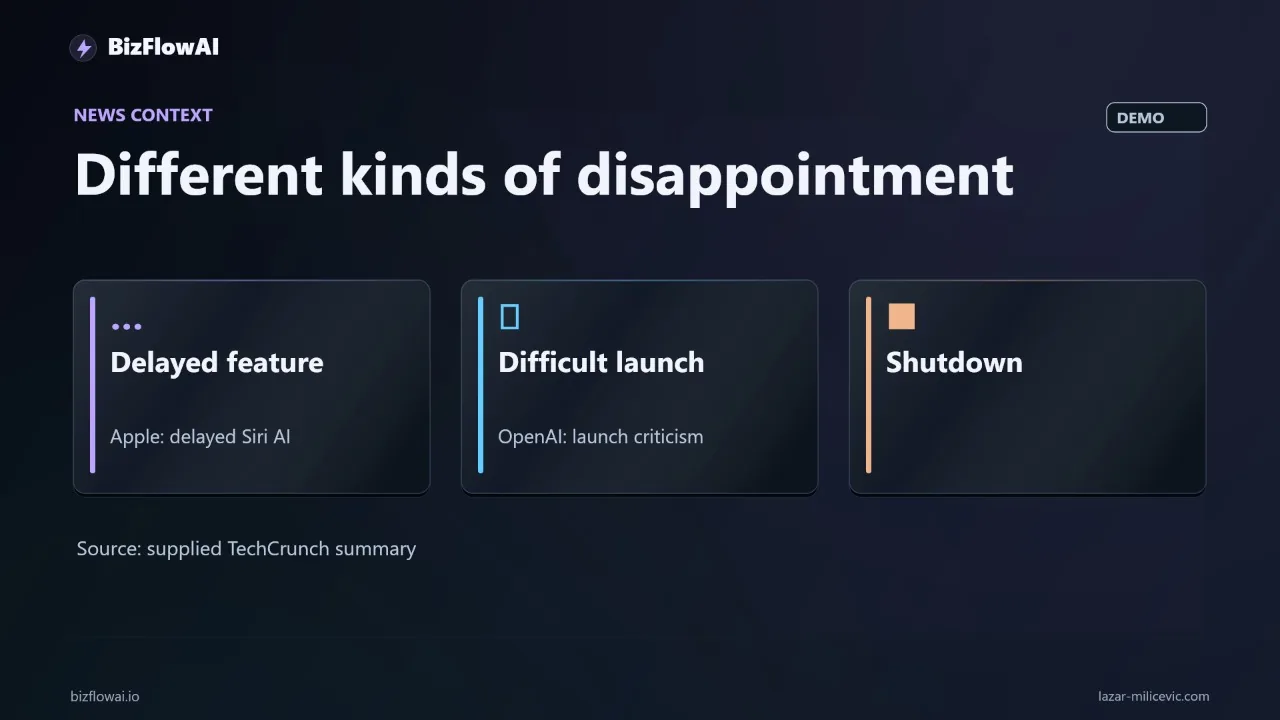
The graveyard mixes three different kinds of failure: products that shut down, features that were rolled back, and launches that merely missed expectations. They have different consequences for you, so don't treat them as one trend.
Here is what the research supports, according to TechCrunch's running list:
- Relay, an AI workflow automation tool built as a Zapier alternative, lost its reason to exist as a stand-alone product because OpenAI, Google and other large platforms built similar automation into their own tools. It shut down in 2026. For a small business that bought a single-vendor automation layer, this is the pattern that matters most.
- OpenAI's super app update on July 9 split ChatGPT into Chat, Codex and Work modes and renamed the familiar version "ChatGPT Classic". Users found it confusing and OpenAI rolled it back soon after. Nothing shut down, but anyone who had trained a team on the old interface paid for the churn anyway.
- Apple's Siri AI was repeatedly delayed. TechCrunch says the delay contributed to a $250 million settlement over how Apple marketed the AI capabilities of the iPhone 16. That's a missed expectation, not a closure, and the AI-powered version began rolling out to English-language users in October.
- Notion Mail, an AI email product launched in April 2025, was scheduled to shut down on September 22 (2026). Notion said users were running separate AI agents on their inboxes instead.
What I won't do is invent reasons for each failure. The roundup doesn't establish funding, technology or customer details for individual projects, and inclusion on the list doesn't mean a product has closed. The useful question is narrower and applies to all of them: if the AI product you chose becomes unavailable, can the business process continue?
One statistic is circulating alongside the list. TechCrunch cites S&P Global Market Intelligence saying about 42% of AI initiatives are ultimately abandoned by their corporate parents. That refers to internal corporate AI initiatives, not to small-business automations or startups, so don't read it as a failure rate for the tools you buy.
Deprecation is slower than shutdown, but it still lands on your calendar
Most of the time, the thing that breaks your workflow is not a dramatic shutdown. It's a scheduled retirement on a vendor's deprecations page that nobody on your team was watching.
The dates below come from vendor and press sources I could check:
| What | Date | Notice given |
|---|---|---|
| Assistants API removal | Aug 26, 2026 | Notified Aug 26, 2025 |
| Sora 2 / Videos API removal | Sep 24, 2026 | Notified Mar 24, 2026 |
| Batch of legacy GPT snapshots | Oct 23, 2026 | Announced Apr 22, 2026 |
| Older GPT-5 / o3 snapshots | Dec 11, 2026 | Notified Jun 11, 2026 |
| GPT-4o, GPT-4o mini, GPT-4.1, GPT-4.1 mini | Jan 14, 2027 | Notified Oct 14, 2026 |
Sources: OpenAI's deprecations page (an official source, covering the legacy snapshots, the older GPT-5/o3 snapshots, and the Assistants API removal), DataNorth for the GPT-4o and GPT-4.1 retirement, and TechJack Solutions for the Sora 2 API removal.
Two things stand out. First, notice windows vary a lot, from a full year for the Assistants API down to about three months for the GPT-4o family. Second, the legacy snapshot batch shut down on October 23, two days before I'm writing this. If something in your stack pinned one of those, you've either already migrated or already seen errors.
The sharpest edge is fine-tuning. Per DataNorth, fine-tuned versions of GPT-4o and GPT-4.1 also stop working on January 14, 2027, and the named replacement, GPT-6 Luna, cannot be fine-tuned. A business with a fine-tuned model loses it with no direct successor. Treat the replacement names and the exact dates for upcoming retirements as subject to change and check the vendor's page directly.
Anthropic's posture is different, and worth knowing. Its model deprecation docs say it notifies customers with active deployments and gives at least 60 days' notice before retiring a publicly released model. In practice, Claude Sonnet 4 and Opus 4 were announced for retirement on April 14, 2026 and retired on June 15, 2026, about 62 days later (per Datapanda). That's a documentation commitment, not something I can confirm as a contractual right, so don't plan around 60 days as a legal guarantee. Anthropic has also published commitments on deprecation and preservation including preserving the weights of all publicly released Claude models, while saying it can't yet avoid retiring models altogether. Preserving weights is not the same as keeping a model callable, so a retired model's API calls should be expected to fail.
Where your workflow state actually lives
The real exposure isn't the model. Models are swappable. It's the state: the record of what happened to each customer request.
Take the quote workflow. If the only record of "extracted, drafted, approved, sent" lives inside the AI tool, then losing access means losing your audit trail. Exporting your contact list doesn't answer which inquiries were processed or which replies were approved.
I think of a workflow as five pieces of state that need to live somewhere you control:
- The original request (keep it in your mailbox).
- The customer details.
- The draft that was generated.
- Whether a human approved it.
- Whether anything was sent.
Producing a good draft is one component. Recording the decision, completing the action, and handing an exception to a person are separate pieces of work, which is why "we tried ChatGPT, but it didn't integrate with anything" is a useful diagnosis rather than a complaint. The model answered; nothing recorded or completed the job.
Here's a minimal record schema that survives a vendor change. It's a spreadsheet row or a database row, and the format doesn't matter:
inquiry_id: INQ-2026-10-25-0042      # stable, assigned by YOU, not the AI tool
received_at: 2026-10-25T09:14:00Z
source_message_id: "<gmail message id>"
customer:
  name: "Test Customer"
  email: "test@example.com"
request_summary: "Quote for 40 units, delivery by Nov 15"
draft_text_ref: "drafts/INQ-2026-10-25-0042.md"
approval:
  status: approved        # pending | approved | rejected
  approved_by: lazar
  approved_at: 2026-10-25T09:40:00Z
send:
  status: sent            # not_sent | sent
  sent_at: 2026-10-25T09:41:00Z
  outbound_message_id: "<gmail message id>"
The inquiry_id is the field people skip. Without a stable identifier, a replacement process can't recognize work already completed, and a restart can send the same customer two replies.
The vendor exit rehearsal: one inquiry, five things to find
You don't need to rebuild anything to learn how exposed you are. Run one inquiry through an interruption and see what survives.
This is a proposed test. I'm not claiming results from running it here.
Setup. Use a fictional customer and a test mailbox. Let your current process extract the request and prepare a draft, exactly as it normally would.
Interruption. Stop using the AI tool. Pretend access is gone.
Recovery. Try to finish the job from records you can reach elsewhere. You need to find:
- The original request
- The customer details
- The draft
- Its approval status
- Whether anything was sent
Put those in one exportable record. A spreadsheet is enough. A simple recovery check might look like this:
REQUIRED = [
    "inquiry_id", "source_message_id", "customer_email",
    "draft_text_ref", "approval_status", "send_status",
]

def can_recover(record: dict) -> list[str]:
    """Return the list of fields you could NOT find outside the AI tool."""
    return [f for f in REQUIRED if not record.get(f)]

missing = can_recover(row_from_your_sheet)
if missing:
    print("Next integration to build:", missing)
else:
    print("A person can finish this reply manually.")
The pass condition is concrete: one inquiry survives the interruption, someone can complete it, and the customer receives exactly one approved reply.
If you can find everything, have a person finish the reply manually. If you can't, you've found your next integration to build. Don't start by swapping models. Start by saving the missing state.
Make a replacement safe: idempotency and an approval gate
Once state lives outside the AI tool, two small design choices decide whether a swap is boring or painful.
Check before you send. The send step should look up the record first and refuse to act twice:
def send_reply(inquiry_id: str, store) -> str:
    rec = store.get(inquiry_id)
    if rec["approval"]["status"] != "approved":
        return "blocked: no human approval on record"
    if rec["send"]["status"] == "sent":
        return "skipped: already sent"   # restart-safe
    msg_id = gmail_send(rec["customer"]["email"], rec["draft_text_ref"])
    store.update(inquiry_id, send={"status": "sent", "outbound_message_id": msg_id})
    return "sent"
Keep the human gate in your system, not theirs. If "approved" only exists as a button inside a vendor's UI, you've outsourced the one decision you most need to be able to prove. Log it in your own store.
This is also where I'd resist the urge to chase the newest model. A model change is a config line when your state and gates are yours. When they aren't, a model change is a migration project, and a vendor retirement becomes an emergency instead of a calendar entry.
For API-based workflows, add one habit: put your vendor's deprecations page on a monthly review, and pin model names in a single config file rather than scattering them through scripts. When a retirement notice lands, you change one line and rerun your test inquiry.
What I'd ask a vendor before expanding their role
My take: the graveyard should change how you buy automation. A tool can be useful and still be a dependency you will need to replace someday.
Before you give any AI product a bigger role in your operations, ask for two things. First, an export: can you get your records, drafts, approvals and send history out in a usable format? Second, a recovery demonstration: can they show you, or can you show yourself, a customer request completing after the tool is switched off?
The Relay case is the instructive one for small teams. A stand-alone automation product lost its reason to exist when large platforms absorbed the feature. If your whole process depended on it, the question wasn't whether the AI was good. It was whether your records and handoffs lived somewhere else. For a solo founder, being able to keep serving customers during a tool failure is worth more than another impressive launch demo.
Where to go from here
If you take one thing from this post, make it the design rule I'd apply to any automation I build: decide where the workflow state lives before you choose a model. I'd recommend keeping inquiry IDs, approval records and send status in a store you own and can export, and treating the AI step as a replaceable component that reads from and writes to it. More of my work is at bizflowai.io.
Want more like this?
I publish practical AI automation, GenAI engineering, and faceless content workflows on YouTube every week.
Planning an AI automation project or need a second opinion on your architecture?
Connect with me on LinkedIn — Lazar Milićević, senior engineer.
Visit bizflowai.io for our services, case studies, and AI consulting.
Frequently asked questions
What is a vendor exit rehearsal for an AI workflow?
A vendor exit rehearsal is a test of whether a business process can continue if an AI tool becomes unavailable. You run one fictional inquiry through your current process, stop using the AI tool partway, and try to finish the job using records stored elsewhere. If a person can complete the task from those records, the workflow can survive losing the vendor.
How do I test whether my AI workflow survives losing its AI tool?
Use a fictional customer and a test mailbox. Let your current process extract the request and prepare a draft, then stop using the AI tool and try to finish manually. You must be able to find five things: the original request, the customer details, the draft, its approval status, and whether anything was sent. A spreadsheet holding one record is enough. Passing means the customer receives exactly one approved reply.
Why does it matter if the only record of my work lives inside an AI tool?
If you lose access to the tool, you may not know which inquiries were processed, which replies were approved, or which customers are still waiting. Exporting contacts alone doesn't answer those questions. Rebuilding that history becomes another admin job for someone already losing time to email, invoicing, and follow-up. Keeping status records in a system you can export avoids this problem.
How do I prevent duplicate customer replies when switching automation tools?
Give each inquiry a stable identifier so a replacement process can recognize work that was already completed. Also keep the original email in your mailbox, store the inquiry status in an exportable system, and record whether a human approved the reply. Without these, restarting the process could send the same customer two replies.
What should I ask an AI vendor before relying on their tool more heavily?
Ask for an export of your data and a demonstration of how recovery works before expanding the tool's role. A tool can be useful and still be a dependency you may need to replace someday. For a solo founder, being able to keep serving customers during a tool failure is worth more than another impressive launch demo.