Paytm AI Soundbox: What Does a Payment Alert Prove?
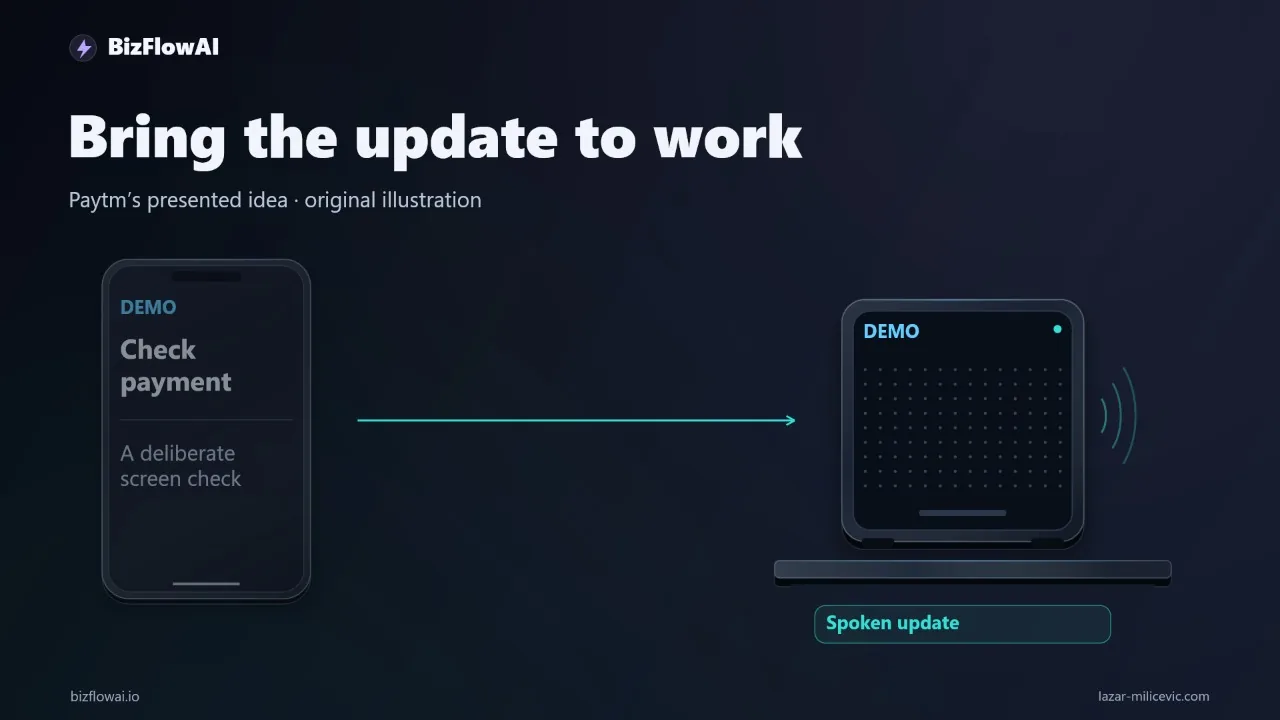
If you keep glancing at your phone while serving a customer, you already know the cost of checking another screen. Paytm's AI Soundbox announces payments out loud and answers questions in the merchant's language. The pattern is worth copying. The part that product demos tend to skip is what the alert does and does not prove.
What Paytm announced, and what is new
Paytm announced the AI Soundbox at Global Fintech Festival 2025, in early October 2025, and called it India's first AI business device for small and medium businesses. The new part is not the voice alert. Earlier Soundbox versions only alerted merchants about payments. The AI version adds an assistant that gives business insights and financial details.
Per the launch coverage, the device:
- Runs on Android with two displays: a front touchscreen for interaction and a top display for instant payment notifications
- Supports dynamic QR, tap and insert-card payments, with WiFi and 4G connectivity
- Has a built-in Paytm Button for quick access to assistance and key payment updates, so merchants can track collections through voice and screen
- Talks to merchants in 11 local languages, according to Paytm's own X post. One outlet says 12, but Paytm and most coverage say 11.
In the live demo, Paytm CEO Vijay Shekhar Sharma asked the device how much money it received in a day. It answered within a few seconds, in the same language he used.
Two caveats before I go further. Reports say additional AI usage can be billed on top of the base device, described as a fair-use token model, but I haven't found confirmed prices, token amounts, or which features are paid. And none of the sources I read give verified notification latency, accuracy rates, or merchant financial results. I won't invent any.
Two capabilities hiding under one label
The first capability is a notification. An event happens in a payment system, and a message reaches a person. The second is a query layer: you ask a question, and the system answers from your data. They fail in different ways and deserve different levels of trust.
A payment announcement alone tells you nothing about what the AI layer adds. The announcement is the old Soundbox behavior. The multilingual assistant, answering questions about your payments and business performance, is the new layer. When you evaluate any "AI" product, split the claims like this:
| Capability | What it is | What can go wrong |
|---|---|---|
| Event notification | A push from a source system to a person | Late, missed, duplicated, spoofed |
| Status wording | The label attached to the event | Upgraded from uncertain to confident |
| Query / assistant | A natural-language answer from your data | Wrong data source, wrong aggregation, wrong period |
Most of the real engineering risk sits in the middle row. That row is the one most people forget to design.
What a payment alert proves
A payment alert proves that something sent a message. Whether the money exists depends on who sent it and what status it carried. A genuine soundbox announces a payment because the payment service pushed a confirmation to that specific device, which is linked to that merchant's account. Nothing on a customer's phone can trigger it.
That is a strong property, and it comes from the channel, not from the voice. The trust sits in the device-to-account link. The audio itself carries nothing a listener can verify: fake "payment received" audio is trivial to produce, either a recording or text-to-speech played from the customer's phone, with no signature or timestamp. Fraudsters have been reported playing recordings of soundbox announcements from their own phone speaker at the counter, so the announcement should be accepted only from the merchant's own device.
The payments industry says the same thing about the alert's limits. Cashfree's comparison table calls a soundbox alert a useful prompt to check the underlying transaction, and says it can be delayed, missed or mimicked and is never sufficient on its own. PhonePe's merchant site says NPCI advises verifying incoming payments in your own bank account or official UPI app, not through screenshots, SMS or notifications shown by the payer.
So the rule is simple. The alert is a prompt. The record in your own system is the proof.
This is not a hardware problem. It applies to every notification you build. A Gmail-to-Telegram bot proves that an email arrived and the bot ran. It does not prove a customer's payment settled. Even an email containing the words "payment successful" needs its source and meaning checked. When I build AI automations for daily operations, the first thing I have to stop is treating "a message arrived in chat" as "the thing is true."
Status words: received, authorized, settled
These three words describe different states, and a notification has to carry the one the source actually reported. In card and UPI-style flows, the exact stages and names vary by provider, so check your provider's documentation for its status vocabulary. The design rule holds either way: preserve the source's status verbatim, and never let an AI layer round it up.
The failure mode I see most often in small-business automations is a summarizer that takes "authorization approved" and writes "payment received." It reads naturally, and it is wrong in a way that costs money later. Here is a guard for it:
# Map provider statuses to message templates. Anything unmapped is NOT announced as paid.
STATUS_TEMPLATES = {
    "received":   "Provider reports payment received for invoice {inv}. Accounting match pending.",
    "authorized": "Provider reports payment authorized (not yet settled) for invoice {inv}.",
    "settled":    "Provider reports payment settled for invoice {inv}.",
}

def render_alert(event: dict) -> str:
    status = event.get("status", "").lower()
    inv = event.get("invoice_ref")

    if status not in STATUS_TEMPLATES:
        return f"Unrecognized status '{status}' on event {event.get('event_id')}. Needs review."
    if not inv:
        return f"Event {event.get('event_id')} has no invoice reference. Needs review."

    return STATUS_TEMPLATES[status].format(inv=inv)
Note what this does not do. It does not let a language model compose the status sentence. If you want an LLM anywhere in this flow, put it in the query layer ("summarize this week's late invoices"), not in the layer that declares what a single event means.
The blueprint: one useful alert, built right
Pick one update you repeatedly check for. I'll use an overdue invoice getting paid. Write down three things before you build anything: the source, the exact status, and the destination.
- Source: your payment provider supplies the event.
- Exact status: whatever string that provider actually sends.
- Destination: a chat you already use, so there is no new dashboard to check.
Then write the message first. Mine looks like this:
Provider reports payment received for invoice 1042. Accounting match pending.
That is an illustrative message, not a measured result. It tells you what happened and what still needs checking, in one line.
Now the exception path. If the invoice reference is missing or the amount doesn't match, send a review request. Don't auto-close the invoice. A minimal workflow definition:
trigger: payment_provider_webhook
steps:
  - verify_source:        # authenticate the webhook before anything else
      method: signature_check
      on_fail: drop_and_log
  - dedupe:
      key: event_id
      on_duplicate: ignore_and_log
  - match_invoice:
      by: invoice_ref
      on_missing: send_review_request
  - compare_amount:
      expected: accounting.invoice.amount
      on_mismatch: send_review_request
  - notify:
      channel: telegram
      template: from_status_map
  - record:
      store: event_id, raw_status, timestamp, matched_invoice
      auto_close_invoice: false   # a human or a second rule closes it
Before you let it write to any records, test three cases: a normal event, a duplicate, and a mismatch. Keep the event reference on every alert so someone can trace a message back to its source. When something looks wrong at 9 p.m., the trace is the difference between a five-minute fix and a lost evening.
The checks around the alert
Payments commentary gives a useful pair of controls you can borrow. These come from a PhishGuard recommendation, not an NPCI rule:
- Per sale, confirm the credit in the merchant's own app, with a UTR and a matching payer name. For large amounts, check the bank app.
- At end of day, match the day's takings against the merchant app total before closing. Discrepancies found the same evening are easier to resolve using CCTV.
I won't state the UTR format here, because I haven't verified it against an official NPCI source; check NPCI's official documentation or your payment provider for the exact format. The automation equivalent is a daily reconciliation job that compares the sum of alerts sent against the sum in your accounting system, and flags any gap.
The assistant layer needs its own tests
Asking a device "how much did I receive today?" and getting an answer in your language is convenient. It is also a database query behind a voice. The demo answered within a few seconds. A fast answer is not an audited answer.
If you build or buy a query layer for your own business, test it the way you'd test a junior bookkeeper:
- Ask the same question twice and confirm the answers match.
- Ask for a period boundary ("today" at 11:58 p.m.) and check which timezone it used.
- Ask a question whose answer you already know from the books, and compare to the cent.
- Ask something the data cannot answer and confirm it says so instead of guessing.
For a US small business this maps cleanly: your source of truth is your accounting system and your processor's dashboard, and the assistant is a convenience on top. If the assistant and the ledger disagree, the ledger wins, and the disagreement is a bug to log.
On cost: if you evaluate a product with metered AI usage, wait for confirmed pricing before you model the economics. For Paytm's case, the details are not confirmed, so I'm not putting a number on it. Ask any vendor what is included in the base fee, what is metered, and what happens when you hit the cap.
Where this fits in practice
The version of this I build is deliberately boring: an event from the system of record, a fixed status vocabulary, a plain-text message in the chat the owner already lives in, and an exception path that asks a human instead of guessing. The AI goes where interpretation is genuinely useful, like summarizing a week of overdue invoices. The status of a single payment stays a literal passthrough from the source.
Why bizflowai.io helps with this
bizflowai.io offers practical AI automation for solopreneurs and small teams. The approach follows the pattern in this post: pick the one update the owner keeps checking for, wire the source system to the chat they already use, preserve the source's exact status in the message, and route anything ambiguous, such as missing references, amount mismatches and duplicates, to a human review step instead of auto-closing records.
Want more like this?
I publish practical AI automation and GenAI engineering content under the BizFlowAI name.
Planning an AI automation project or need a second opinion on your architecture?
Connect with me on LinkedIn — Lazar Milićević, senior engineer building practical AI automation for solopreneurs and small teams.
Visit bizflowai.io for our services, case studies, and AI consulting.
Frequently asked questions
What is Paytm's AI Soundbox?
Paytm's AI Soundbox is a countertop device that announces payment confirmations aloud and offers multilingual interaction and query features. The merchant benefit is hearing an update while continuing to serve a customer, instead of stopping to check another screen. The announcement itself is a notification function, while the multilingual and query features are a separate, additional AI layer.
Why does a spoken payment alert matter for small businesses?
A spoken alert delivers information where work already happens. A shop owner's attention is on the counter, and checking another screen or dashboard interrupts the task they are trying to finish. Getting the update by voice, or in a chat the owner already uses, removes that interruption. The video does not provide verified latency, accuracy, or financial results, so no numeric benefits are claimed.
How do I set up a reliable payment notification workflow?
Pick one update you repeatedly check for, such as an overdue invoice being paid. Write down the source, the exact status, and the destination. For example, the payment provider supplies the event, the accounting system links it to the invoice, and your existing chat receives the message. Define the message wording before building the automation, and keep the event reference so alerts can be traced to their source.
Does a payment notification prove the payment settled?
No. Received, authorized, and settled can describe different states, so a notification should preserve the exact status the payment system supplied. A Gmail-to-Telegram alert, for instance, only proves an email arrived and the notification ran. Even an email saying 'payment successful' needs its source and meaning checked. An AI assistant should never upgrade an uncertain event into a confident announcement.
How should an automated payment workflow handle mismatches and errors?
Define the exception before automating. If the invoice reference is missing or the amount doesn't match, send a review request instead of automatically closing the invoice. Test a normal event, a duplicate, and a mismatch before letting the workflow update any records. A good message states both what happened and what still needs checking, such as 'Provider reports payment received. Accounting match pending.'