Momentic: Test the Workflow That Gets You Paid
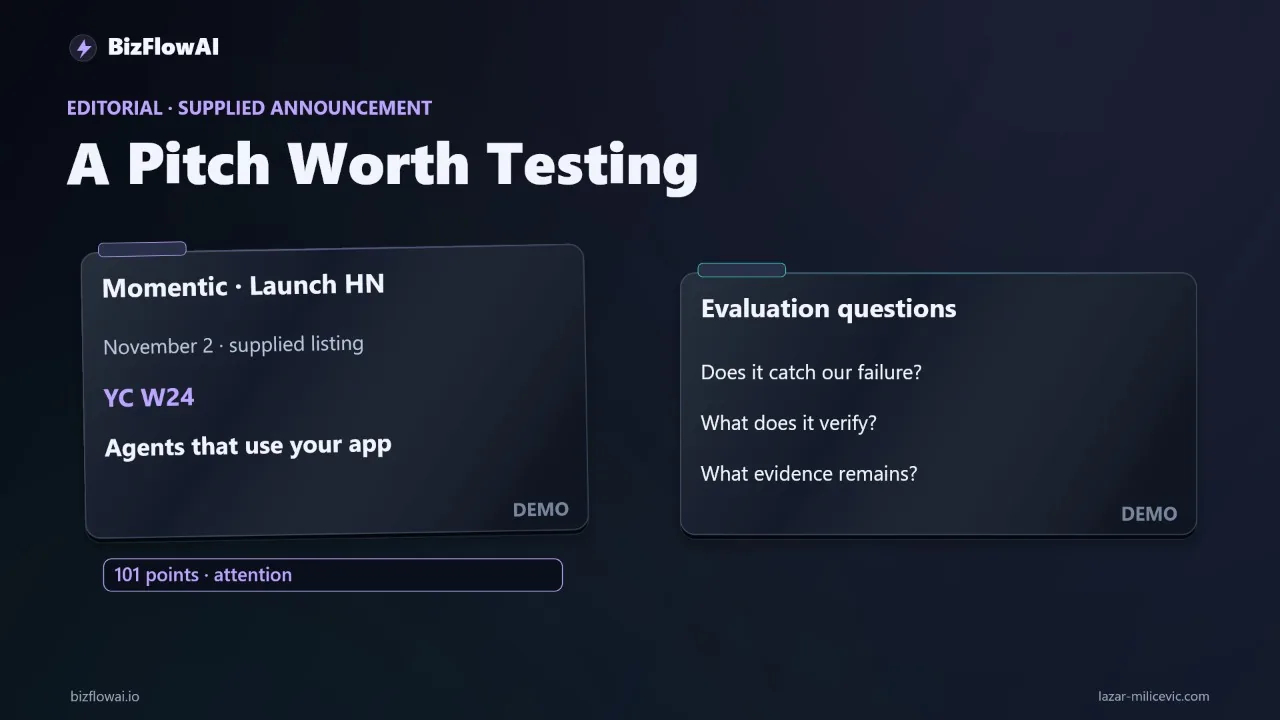
▶ Watch the video version of this article
A lead form can show “Thanks, we’ll be in touch” while the inquiry never reaches your CRM. If that form brings in new business, a green check on the website is not enough. Momentic’s agent-testing pitch is worth examining against the whole journey: submission, record creation, and follow-up.
Define the outcome before you run an agent
A revenue-critical test should assert the business result, not merely the final screen. For a client intake form, that means checking the confirmation shown to the visitor, the corresponding CRM record, and the follow-up task someone on your team will act on.
Write the acceptance check in terms an operator can verify:
Submit a synthetic inquiry with a unique identifier. Confirm the website displays success. Find exactly one matching CRM record. Confirm that record has an assigned follow-up task.
The word exactly matters. A duplicate lead can cause two people to contact the same prospect. A confirmation without a CRM record creates the opposite problem: nobody contacts them at all.
Here is a compact test contract. This is an illustrative checklist, not Momentic configuration syntax:
journey: client_intake
environment: staging
input:
  email: test+unique-run-id@example.test
  service: consultation
expected:
  website_confirmation: visible
  matching_crm_records: exactly_one
  assigned_follow_up_task: present
evidence_to_keep:
  - submission_identifier
  - confirmation_result
  - crm_record_identifier
  - task_identifier
Use a fresh identifier for every run. If you reuse the same email and check only whether a record exists, yesterday’s successful test can conceal today’s broken handoff. Search the CRM for the current run’s identifier, not just a familiar test contact.
This contract also exposes where your system has poor observability. If the form does not pass an identifier through to the CRM, you may have to match on email and submission time. If you cannot inspect tasks independently, “follow-up was created” remains an assumption. Those are workflow design problems to fix before treating any end-to-end check as conclusive.
The same principle applies to checkout. Momentic’s site shows a checkout example that asserts an item total matches the listed amounts. That is a useful assertion about the displayed total. It is not, by itself, evidence that a payment was captured or an order was created. Name the outcome you need, then choose evidence that proves it.
Decide what Momentic can observe
Momentic separates Mo’s exploratory sessions from repository-based tests designed for repeatable regression checks. That distinction matters: an agent exploring your application may find a problem, but a release gate needs a defined check that can be run consistently and interpreted the same way each time.
According to Momentic’s Mo documentation, evaluating a flow requires a running app, a brief describing expected behavior, and a test account if sign-in is needed. The brief can also tell the agent which actions to avoid. Mo can work against a production URL, a preview deployment, or a local build exposed through a tunnel.
For the intake example, give the agent a narrow brief: use the staging form, submit synthetic details, report whether the confirmation appears, and do not interact with real customer records. Then ask a separate question: How will the CRM record and task be verified?
Do not assume the answer is “the agent will handle it.” The documentation says a Mo session report identifies what the agent checked and what it could not verify. Treat that boundary as part of the result. If the agent confirms only the browser-visible step, pair it with a CRM-side assertion. If your setup allows the downstream state to be checked, require the report to show the matching record and task rather than a general statement that the journey passed.
A useful division of labor is:
| Check | Evidence you need | If it is missing |
|---|---|---|
| Form submission | Confirmation tied to this test run | Investigate the website step |
| CRM handoff | One record matching this run | Investigate the integration |
| Follow-up | Task linked to that record and assigned | Investigate task creation or assignment |
| Test coverage | Report of checked and unverified steps | Do not label the whole journey “passed” |
The table is not a claim about which integrations Mo supports. It is a way to keep a browser check from silently standing in for a business-outcome check.
Plant a failure the test must catch
The quickest meaningful evaluation is to run a known-good journey, deliberately break one safe staging dependency, and run it again. A tool that passes the healthy flow but cannot flag your planted failure has not demonstrated coverage of that failure.
Start in staging with synthetic contact details and a test CRM destination. Capture the identifier used for the submission and confirm that the normal path produces the expected record and task. This gives you a baseline and verifies that your test data can be traced across systems.
Next, disconnect or disable the test CRM handoff while leaving the form’s success screen intact. Run the same journey with a new identifier. The expected finding is specific: the visitor sees confirmation, but no matching CRM record or follow-up task appears.
That is a stronger test than taking the form offline. An unavailable form is visible from the browser. A successful-looking form with a failed downstream handoff is the failure a busy owner is more likely to miss.
Do not create this failure by experimenting on production customer traffic. If you lack an isolated destination or a safe way to switch the staging connection, build that fixture first. Otherwise, you risk losing an inquiry while trying to test whether inquiries can be lost.
After the failure run, restore the connection and repeat the journey with another fresh identifier. Check that the CRM record and task return. Keep the evidence from all runs, including what Mo reported and what your independent CRM check found. Momentic’s documentation says Mo’s functional-bug findings require independent reproduction; your controlled failure gives you a practical way to do that rather than treating an agent report as final proof.
You should be able to answer three plain questions from the record: Did the test catch the planted failure? Did it point to the missing handoff rather than merely saying the page looked unusual? Did it pass again after the connection was restored?
Read the benchmark without borrowing its conclusion
Momentic’s published benchmark shows how Mo performed on the benchmark’s labeled applications, not how reliably it will protect your lead form or checkout. Use it to frame questions for your trial, not to replace the trial.
Momentic’s QA Bench repository describes 1,396 human-reviewed bug labels across 20 areas of four open-source web apps. In its 60-minute condition, Momentic reports that Mo averaged 269.3 correct findings, with 19.3% recall and 84.2% precision. It also reports $2.67 per correct finding under that benchmark condition.
Consult the QA Bench repository for how it defines and calculates its metrics. Recall concerns the labeled bugs available to find: how many did it find? Reading 84.2% precision as “it catches 84.2% of bugs” would invert the result; the reported recall for that condition is 19.3%.
There are two more boundaries to keep visible. Momentic develops Mo and maintains the benchmark used for these comparisons. And the benchmark’s reported costs exclude fixture hosting and grading. The $2.67 figure is a benchmark-derived measure, not a quoted price for testing your application.
None of those caveats makes the benchmark useless. It tells you that measured findings are possible and that missed bugs and incorrect findings both belong in your evaluation. What it cannot tell you is whether your particular CRM handoff is observable, whether Mo will flag its failure, or how long your team will spend configuring and reviewing a run. Your planted-failure test answers those questions more directly.
Make the release decision from evidence
Put an agent check into your release process only after it has caught a failure you deliberately introduced and you know what remains outside its view. For a small business, the goal is not a larger test dashboard; it is fewer silent failures in the workflows that bring in work and get it fulfilled.
Keep a short record for each evaluation run: the build tested, the synthetic submission identifier, the expected outcome, the observed website result, the observed CRM and task results, and the agent’s report. Record human time spent setting up the check and investigating its findings. Those are the numbers that matter to your operation; the source material does not establish a universal time saving or a price for your setup.
When a run fails, preserve enough evidence for a human to act. “Test failed” is less useful than “form showed success for this identifier; no matching CRM record was found.” When it passes, state its scope just as carefully: “confirmation, record, and task verified” if you checked all three; “confirmation verified, CRM not checked” if you did not.
If Mo proves useful for exploration but your CRM assertion needs a separate repeatable check, use both. If it cannot reliably detect the planted failure, do not make it the sole release gate for that journey. You can still use it to investigate the browser experience while keeping a deterministic check on the downstream handoff.
The test worth keeping is the one that tells you whether a customer’s action produced the business outcome you promised.
Where bizflowai.io fits
This article proposes checking the entire workflow, from form submission to CRM record and follow-up task. That acceptance-check approach applies whether you evaluate Momentic, write a separate integration check, or use both.
Want more like this?
Lazar Milićević is the person behind BizFlowAI and a senior engineer who builds AI automations.
His focus is practical AI automation for solopreneurs and small teams.
Frequently asked questions
How do I evaluate Momentic for a client intake workflow?
Start in staging with synthetic customer details and a workflow you know works. Submit a test inquiry with a unique email address, then check for a success message, exactly one matching CRM record, and an assigned follow-up task. Disconnect the test CRM destination while leaving the confirmation screen intact, and see whether Momentic detects the failure. Restore the connection and repeat the journey, recording the results and human time required.
Why does checking the CRM handoff matter when testing a lead form?
A lead form can display a success message even when the inquiry never reaches the CRM and no follow-up task is created. Checking only the confirmation screen would miss that failure. For an intake workflow, a complete acceptance check verifies the submitted inquiry, the confirmation, exactly one matching CRM record, and the assigned follow-up task.
When should I add a separate CRM check instead of relying on an agent's page check?
Add a separate CRM check if the agent's test stops at the website confirmation screen and cannot verify the downstream record or follow-up task. The narration does not establish how far Momentic's checks reach, so test that boundary with a safely disconnected CRM destination in staging. If the agent misses the deliberately introduced failure, a passing page check is not enough to validate the full workflow.