I Graded Google's 3 I/O 2026 Chrome Updates: F, A, D
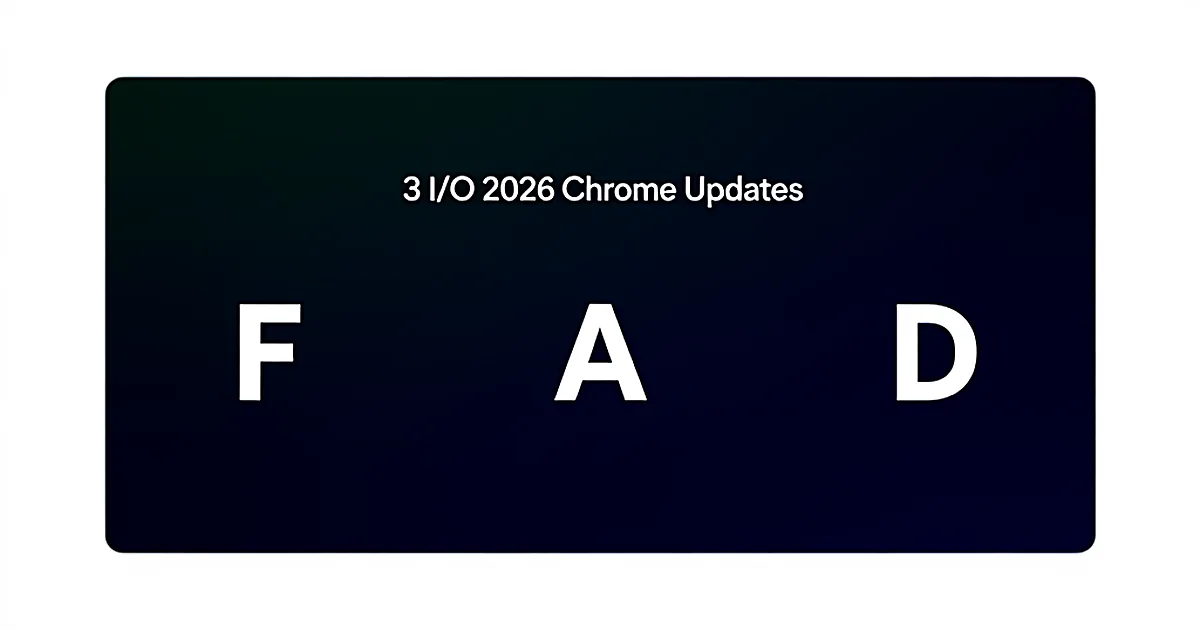
Google shipped three AI tooling updates for Chrome at I/O 2026 and pitched all three as wins. On my rubric — does this change what I ship on Monday? — I graded them F, A, and D. If you run headless Chrome as an automation backend, one of them quietly rewires your agent loop and the other two are stage-time you can ignore.
The rubric: Monday, not the keynote
I run two headless Chrome loops in production on a home server (WSL Ubuntu, cron-driven, no human in front of the browser at 2 a.m.):
- Invoice scraper — logs into vendor portals, pulls PDFs, files them into an accounting workflow.
- Gmail triage bot — opens threads, extracts action items, routes them to Telegram and a task DB.
Both are Chromium loops with an LLM in the middle. Neither is a website. Nobody clicks anything. That's the lens for the grades below.
The question I ask every keynote is boring: did the thing I actually ship on Monday get faster, cheaper, or less brittle? Not did the demo look cool. Not did the crowd cheer. Adopt, test, or ignore. Three grades.
Here's the summary before the deep dives:
| Update | Google's framing | My grade | Action |
|---|---|---|---|
| Modern Web Guidance | "Agents build better web pages" | F | Skip — wrong audience |
| Chrome DevTools via MCP | "Debugging convenience" | A | Adopt now |
| AI-assisted DevTools sidebar | "Your debugging copilot" | D | Test locally, ignore in prod |
Update 1 — Modern Web Guidance: F
Direct answer: Modern Web Guidance is Chrome's AI giving code agents structured hints on how to build accessible, performant modern web pages. If you're shipping React components with an agent, it's genuinely useful. If your agents consume the web instead of building it, this update touches zero lines of your codebase.
Frontend devs got a real feature here. The demos were clean. Semantic HTML suggestions, accessibility annotations, performance-budget guidance the agent can consume as structured input while it writes JSX. Fine work.
But my invoice scraper doesn't emit HTML. It parses HTML that someone else emitted five years ago and hasn't touched since. My Gmail bot doesn't ship a UI. It reads inbox threads and hits a webhook. There's no build step where "modern web guidance" enters the loop.
When Modern Web Guidance actually matters
- You're building a code-generation agent that outputs frontend components
- Your team ships marketing pages or product UIs with LLM assistance
- Accessibility and Core Web Vitals are on your KPI list
If none of the three apply, this is a keynote slide, not a change to your Monday. Zero lines changed in either of my automations. Skip.
Update 2 — Chrome DevTools exposed via MCP: A
Direct answer: Chrome DevTools for agents, exposed through the Model Context Protocol, lets an LLM query the live DOM, network panel, console, and performance trace as structured input — the same data a human sees when they open DevTools. For anyone running Chrome as a backend, this is the single update from I/O 2026 that materially changes reliability. It was buried mid-session and got no applause. It's the only A on this scorecard.
Before this shipped, my invoice scraper worked like every brittle Chrome automation you've ever seen:
# The old loop — screenshot and vibe
page.goto(portal_url)
png = page.screenshot()
answer = llm.ask(png, "Where is the download button? Give me x,y coords.")
x, y = parse_coords(answer)
page.mouse.click(x, y)  # pray
That worked about 85% of the time. The other 15% was retries, a Slack alert at 3 a.m., and me debugging why the model hallucinated coordinates over a rendered modal. One in seven runs failed on the flakiest portal.
With DevTools available as an MCP surface, the loop looks completely different. The agent asks structured questions and gets structured answers:
# The new loop — structured DOM queries via MCP
await mcp.chrome.navigate(portal_url)
buttons = await mcp.chrome.query_selector_all(
    'button, a[role="button"]'
)
target = llm.pick(buttons, intent="download current invoice PDF")
await mcp.chrome.click(target.backend_node_id)
No screenshot. No coordinate guessing. The agent sees the actual DOM node, its text, its ARIA label, its bounding box, its event listeners. When something breaks, it can pull the console errors and the failed network requests in the same turn — instead of me correlating a screenshot to a HAR file at breakfast.
The Monday numbers
- 4 hours to wire the MCP client into the invoice scraper loop
- Retry rate dropped from ~1 in 7 runs to near zero over a week of cron jobs
- Model tokens per successful run dropped roughly 40% (no more base64 screenshots in every call)
- Slack pages at 3 a.m. this past week: 0
That's the difference between a demo and infrastructure. If you already run Playwright or Puppeteer in cron, the migration is roughly: install the Chrome MCP server, point your agent's tool config at it, replace page.screenshot() + vision prompts with structured query_selector, get_network_requests, and evaluate calls. Anthropic maintains a growing list of MCP servers if you want reference implementations — see the Model Context Protocol documentation for the client/server contract.
Adopt this one immediately. It is the only I/O 2026 update on this list that changed my production stack.
Update 3 — AI assistance inside DevTools: D
Direct answer: The AI sidebar inside Chrome DevTools explains errors, suggests fixes, and rewrites selectors while you debug live in the browser. It's fine for interactive debugging on your laptop and saves maybe a minute per bug. It's irrelevant for headless production, because there's no human at the desk when your cron fires at 2 a.m.
I actually tried it. I opened a broken selector in my Gmail triage bot's test harness, clicked the little sparkle icon, and it correctly suggested a more resilient CSS path than the one that had rotted after Gmail's last UI shuffle. Saved me maybe 60 seconds of squinting at the elements panel.
Now imagine that in production. My cron kicks off at 02:00. The bot fails on a stale selector. The AI sidebar has… nobody to help. No human is opening DevTools. No sparkle icon is being clicked. The failure lands in Grafana, I see it at 08:00, and by then the sidebar was never in the loop.
Where the sidebar earns its D
- Interactive debugging on your dev machine: yes, use it
- Learning DevTools if you're not a browser-internals nerd: yes, use it
- Production headless automation: no seat for it at the table
D is not "bad." D is "not for you if you run this stack as infrastructure." Test it interactively. Don't build any workflow around it.
The meta-lesson: filter every keynote on the Monday question
Google grades its updates by the applause in the room. Frontend devs got the flashy one. Debuggers got the sidebar. Operators got the buried MCP surface that nobody clapped for — and it was the only one that mattered for backend browser automation.
This is the pattern for every keynote, every launch, every Twitter thread from a big vendor: the update that changes your Monday is usually not the one they led with. The one they led with is optimized for the crowd in the room, and the crowd in the room is almost never people running AI as infrastructure.
Here's the filter I use now, hard-coded into how I read release notes:
For each announcement:
  1. Does it reduce a retry, a cost, or a failure mode I already have in prod?
  2. Can I ship a change against it in <1 working day?
  3. Does it work headless, with no human in the loop?

If all three are yes  → Adopt this week.
If one or two are yes → Test on a side project.
If zero are yes       → Skip. It wasn't built for your side of the stack.
Run that on I/O 2026 and you get F, A, D — same grades, mechanically derived. Run it on every keynote for the next twelve months and you'll stop losing weekends to updates that were never meant for you.
Why bizflowai.io helps with this
The MCP-over-DevTools shift is the boring kind of upgrade that quietly compounds — every client automation we run on bizflowai.io that used to rely on screenshot-and-vision loops (portal scrapers, dashboard exporters, inbox routers) is being migrated to structured DOM queries as the underlying Chrome MCP server stabilizes. The result on the client side isn't a flashy new feature; it's fewer 3 a.m. failure emails, lower model spend per run, and cron jobs that stay green for weeks at a time. That's the shape of most useful AI infrastructure work: unglamorous swaps that move the reliability number two percentage points at a time until the pager stops going off.
Want more like this?
I publish practical AI automation, GenAI engineering, and faceless content workflows on YouTube every week.
Subscribe to bizflowai.io on YouTube — never miss a new tutorial.
Planning an AI automation project or need a second opinion on your architecture?
Connect with me on LinkedIn — Lazar Milicevic, GenAI Engineer & bizflowai.io Founder.
Visit bizflowai.io for our services, case studies, and AI consulting.
Frequently asked questions
What is Chrome DevTools MCP and why does it matter for AI agents?
Chrome DevTools MCP exposes the browser's DevTools surface — DOM, network panel, console, and performance trace — as structured input for AI agents through the Model Context Protocol. Instead of taking screenshots and guessing at coordinates, agents can query the same data a human debugger sees. In one invoice scraper, wiring it in took four hours and dropped the retry rate from about one in seven runs to near zero.
How do I evaluate Google I/O announcements as a backend AI operator?
Filter every update through one question: does it change what you ship on Monday? Grade updates as adopt, test, or ignore based on whether they make your production automations faster, cheaper, or less brittle. Ignore demo polish and crowd reaction. Frontend-focused updates rarely apply to headless Chrome loops, cron jobs, or backend agents, even when they get the most keynote time.
When should I use Chrome's AI DevTools sidebar vs ignore it?
Use the AI-assisted DevTools sidebar — which explains errors, suggests fixes, and rewrites selectors — when you're debugging interactively at your desk. Ignore it for production automations that run headless on cron schedules, because there's no human in the loop for a sidebar to help. It saves roughly a minute during live debugging but adds nothing to unattended backend workflows.
Why is Chrome's Modern Web Guidance update not useful for browser automation operators?
Modern Web Guidance helps AI agents build accessible, performant web pages — it's aimed at code agents shipping React components. Operators running Chrome as a backend to consume websites, like invoice scrapers or Gmail triage bots, don't build sites; they read them. The update requires zero lines of change for consumption-side automations and delivers zero impact on that use case.
How much can Chrome DevTools MCP reduce agent retry rates on flaky sites?
In one production case, wiring Chrome DevTools MCP into an invoice scraper loop dropped the retry rate on a flaky portal from roughly one in seven runs (about 85% success) to near zero over a week of cron jobs. The improvement comes from replacing screenshot-and-guess coordinate clicking with structured queries against the actual DOM, network, and console data.