Hugging Face + OpenRouter: Test the Handoff
▶ Watch the video version of this article
An open-weight model can read a lead email and write a convincing reply. That does not mean the right contact was found in your CRM, the request was recorded, or anyone approved the message. Hugging Face’s new OpenRouter integration makes models easier to try; the useful test is whether one complete business handoff works.
What changed—and what did not
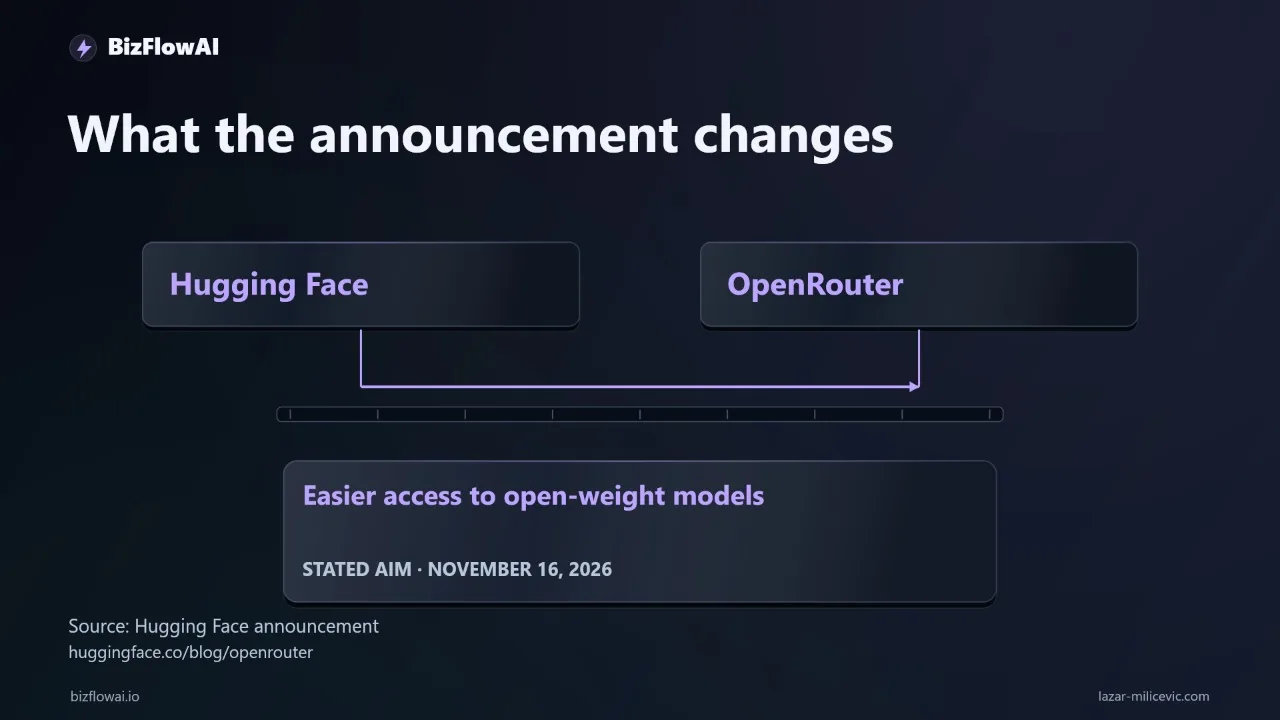
Hugging Face announced its OpenRouter partnership on November 16, 2026. Language-model requests through Hugging Face Inference Providers now use OpenRouter rather than Hugging Face’s previous custom router. For a small business, the practical change is easier access to alternative models—not a finished email, CRM, or invoicing automation.
At launch, OpenRouter said the integration covered 160 models from 38 labs. That is not every model on the Hugging Face Hub. Existing Hugging Face tokens and code continue to work for supported chat-model requests, while image, video, and audio generation continue through Hugging Face Inference Providers without going through OpenRouter. The Hugging Face announcement and OpenRouter’s launch post describe the scope.
The announcement’s phrase is “make open-weight models easy to run.” Open-weight means the weights are available under a model’s license. It does not, by itself, mean unrestricted commercial use, free inference, or processing on your own machine.
There is also an account-level change worth checking before you migrate an existing workflow: Hugging Face says users can no longer supply their own provider API key for language-model requests through Inference Providers. If your cost controls or access policy depend on that arrangement, review the new path before switching production traffic.
None of these changes establishes that a particular model will extract your leads accurately. The integration can deliver a model response. Your system still has to decide whether that response is safe to use and whether the downstream work actually happened.
Define the handoff before choosing a model
A useful lead-email test ends with a verified CRM state and a reply awaiting human approval. The model’s job is narrower: interpret the message and return fields your workflow can validate. The CRM lookup, record changes, and approval step belong to the integration—not to a persuasive paragraph generated in chat.
Take this incoming message:
We need twelve product descriptions by Friday. Can you help?
For this test, ask the model for four fields: contact email, requested service, deadline as written, and missing information. Do not ask it to decide which CRM record to overwrite or to promise delivery.
A test record might look like this:
{
  "contact_email": "lead@example.com",
  "requested_service": "twelve product descriptions",
  "deadline_as_written": "Friday",
  "missing_information": [
    "Which products need descriptions?",
    "What length or format is required?"
  ]
}
This is an illustrative test fixture, not a result from the new integration. Keeping “Friday” as written matters: without an agreed reference date and time zone, converting it to a calendar date introduces an assumption. The workflow should flag that ambiguity for review rather than quietly committing to a deadline.
Define completion separately from extraction:
| Stage | What must be checked | If the check fails |
|---|---|---|
| Intake | The message is within the workflow’s authorized scope | Stop; route to a person |
| Extraction | Required fields are present and supported by the message | Request review |
| CRM lookup | The contact resolves unambiguously | Do not create or update a record |
| Proposed change | The intended CRM action matches the source message | Hold for approval |
| Follow-up | A draft exists and a person has approved it | Do not send |
The distinction prevents a common false positive: marking the job complete because the model produced valid JSON. Valid JSON may still contain an invented service, an email address copied from the wrong part of a thread, or an unsupported deadline. The final check must inspect the CRM record and the approved draft.
Build a boundary the model cannot cross
Treat the model response as untrusted input, even when it uses structured output. Validate its shape, compare important fields with the source message, and require approval before a CRM mutation or outbound reply. If validation fails, keep the original message and proposed output together for a person to inspect.
Here’s exactly how I would separate interpretation from action. The following Python is a local validation example; it does not call Hugging Face, OpenRouter, an email service, or a CRM:
from dataclasses import dataclass
from typing import Any


@dataclass(frozen=True)
class Extraction:
    contact_email: str
    requested_service: str
    deadline_as_written: str
    missing_information: list[str]


def validate_extraction(
    raw: dict[str, Any],
    sender_email: str,
    source_text: str,
) -> tuple[Extraction | None, list[str]]:
    errors: list[str] = []
    required = {
        "contact_email": str,
        "requested_service": str,
        "deadline_as_written": str,
        "missing_information": list,
    }

    for field, expected_type in required.items():
        if field not in raw or not isinstance(raw[field], expected_type):
            errors.append(f"{field}: missing or wrong type")

    if errors:
        return None, errors

    extracted = Extraction(**{field: raw[field] for field in required})

    if extracted.contact_email.casefold() != sender_email.casefold():
        errors.append("contact email differs from message sender")

    if (
        extracted.deadline_as_written
        and extracted.deadline_as_written.casefold()
        not in source_text.casefold()
    ):
        errors.append("deadline is not present as written")

    if not extracted.requested_service.strip():
        errors.append("requested service is empty")

    if not all(
        isinstance(item, str) and item.strip()
        for item in extracted.missing_information
    ):
        errors.append("missing_information contains an invalid item")

    return (None, errors) if errors else (extracted, [])
This catches some avoidable failures, but it is not a complete truth check. A sender address is not always the intended contact: forwarded messages and introductions need a separate review rule. Likewise, a service phrase can appear in the email and still be interpreted incorrectly. Code can enforce a boundary; it cannot make an ambiguous request unambiguous.
After validation, let the CRM adapter search before it proposes a change. If it finds two plausible contacts, stop. If it finds none, propose a new record rather than creating one silently. If it finds one, show the existing record and the proposed update to the approver. Use an idempotency key derived from the source message’s stable identifier so a retry does not create another proposal for the same email.
For an initial test, keep both the CRM change and the follow-up in a test environment. The approval screen should show the source message, extracted fields, matching CRM record, proposed change, and draft reply. The person approving it should not have to reconstruct what the model saw.
Compare providers without confusing routing with reliability
OpenRouter’s default provider selection considers price, speed, and reliability; it can retry a failed request with another provider serving the same model. A request pinned to one provider does not fail over to a different provider. Those routing choices affect model access, but neither one verifies that your CRM update or follow-up was correct.
The Hugging Face routing documentation describes :fastest, :cheapest, and provider-specific suffixes on model IDs. Use them deliberately. Automatic routing is useful when you want the router to find an available provider. Pinning is useful when you need to test a particular provider’s behavior or data-handling terms. Record which choice you made so a later result is reproducible.
Before sending a customer message through any candidate, check three separate things:
- Capability: Does the selected model and provider support the structured output or tool-calling behavior your implementation expects? Hugging Face’s provider metadata can indicate those capabilities.
- Data handling: Where can the input and output go, and what are the provider’s retention and model-improvement practices? OpenRouter’s privacy policy notes that providers differ.
- Cost: What do the selected model and provider charge for input and output? Hugging Face says routed inference is billed at the provider’s price without a Hugging Face markup, and its model pages show provider-level prices, speed, and uptime. Check the live listing for the route you actually use.
Hugging Face PRO includes $2 in monthly credits, while Team and Enterprise organizations receive $2 per seat, according to the announcement. Those credits may help with a small evaluation; they do not tell you what a production lead workflow will cost.
OpenRouter has also reported improvements in a live routing experiment: median time to first token improved 16.9%, requests hitting a 429 error fell 46%, and cost per request rose 6.0%. Those are router experiment results, not guaranteed results for your selected model or evidence that a business handoff completes correctly. Measure the whole job.
Run a twenty-email test that produces a decision
A twenty-email test is a screening exercise, not proof of production reliability. It can help reveal some obvious extraction, ambiguity, and integration failures, but it does not guarantee you will catch them. Write the expected fields and correct next action for each message before you run either model.
Use historical messages you are authorized to process. Remove personal or confidential details where possible, and use a test CRM. Include clear requests, vague requests, duplicates, forwarded introductions, messages with conflicting contact details, and at least one message with no deadline. Preserve the features that make each case difficult; otherwise, the test becomes easier than the work it represents.
For every case, store one reviewable record containing:
case_id: example-lead
source_message: "We need twelve product descriptions by Friday. Can you help?"
expected_next_action: review_deadline_and_prepare_draft
model_route: recorded_at_test_time
model_output: saved_with_test_result
validation_result: saved_with_test_result
crm_lookup_result: saved_with_test_result
proposed_change: saved_with_test_result
human_correction: saved_with_test_result
final_state: saved_with_test_result
The values above describe a test-brief format, not observed output. Avoid putting the full source message in logs unless you need it and have an appropriate retention policy. OpenRouter also offers a beta option for sending request traces to a user-owned Hugging Face Storage Bucket; its described trace files include messages, model output, token counts, and cost. That can help with investigation, but it is another place customer content may be stored.
Score each candidate on four outcomes: correctly completed handoffs, items sent for review, total processing cost, and minutes spent correcting mistakes. Real numbers, no estimates. Count a handoff as complete only after checking the intended CRM state and approval status—not when the model call returns successfully.
Compare mistakes as carefully as successes. Sending a genuinely ambiguous email to review is usually the right behavior. Inventing a deadline, choosing between duplicate contacts without review, or preparing a reply from the wrong record is not. A lower inference price is useful only if it does not shift more work onto the person correcting the workflow.
If a candidate fails a case, change one thing at a time: the extraction instruction, validation rule, selected model, or provider route. Rerun the same cases and retain both results. Once the bounded job behaves consistently in testing, expand with monitoring and human approval still in place. Do not turn a promising sample into permission for unattended CRM writes or client emails.
Where the workflow work happens
When designing an AI automation for a small team, I would treat model access as one component of the job. My recommended approach is to connect intake to the existing business system, define what must be checked, and leave a clear approval point before anything customer-facing happens. The Hugging Face–OpenRouter change makes model comparisons more practical; it does not replace that workflow engineering.
Want more like this?
Lazar Milićević is a senior engineer who builds AI automations.
Visit bizflowai.io to learn more about BizFlowAI.
Frequently asked questions
What is the Hugging Face and OpenRouter collaboration about?
Hugging Face announced its collaboration with OpenRouter on November 16, with the stated goal of making open-weight models easier to run. For a small business, easier access could make it more practical to test an alternative model without rebuilding an entire automation. The announcement does not establish which model will handle a particular workflow reliably or what it will cost each month.
What does open-weight mean for a business using AI models?
Open-weight means a model’s weights are available under its license. It does not automatically permit unrestricted commercial use, provide free inference, or keep customer data on your own computer. A business should check the license, inference costs, and data handling separately before using an open-weight model in a customer-facing workflow.
Why does validation matter when an AI model updates a CRM?
A model can interpret an email, but the integration must check its output before creating or updating a CRM record. For a client inquiry, the model might return the contact email, requested service, deadline as written, and missing information. If the email is absent, the deadline is ambiguous, or two CRM contacts match, validation should send the item for human review rather than take action.
When should I choose a lower-cost AI model over another model?
Choose a lower-cost model only if it performs the full workflow without creating enough correction work to erase the savings. Test models against the same examples and track correctly completed handoffs, items sent for review, total processing cost, and minutes spent correcting mistakes. Check whether each model extracts the required fields and leaves missing information blank instead of inventing it.