eBay’s Reported Agent Block: Build a Digest You Can Trust
▶ Watch the video version of this article
A sourcing digest can cost you a purchase opportunity without ever showing an error. If an agent loses access to a marketplace but still sends “no matching listings,” you may treat a failed search as an empty market. The fix is to make access status part of the digest—not something buried in a log.
What eBay’s reported agent failure does—and doesn’t—tell us
The reported failure shows that a browser agent is a fragile sole source for a recurring eBay search. It does not establish that eBay has blocked every third-party agent or that approved integrations have stopped working.
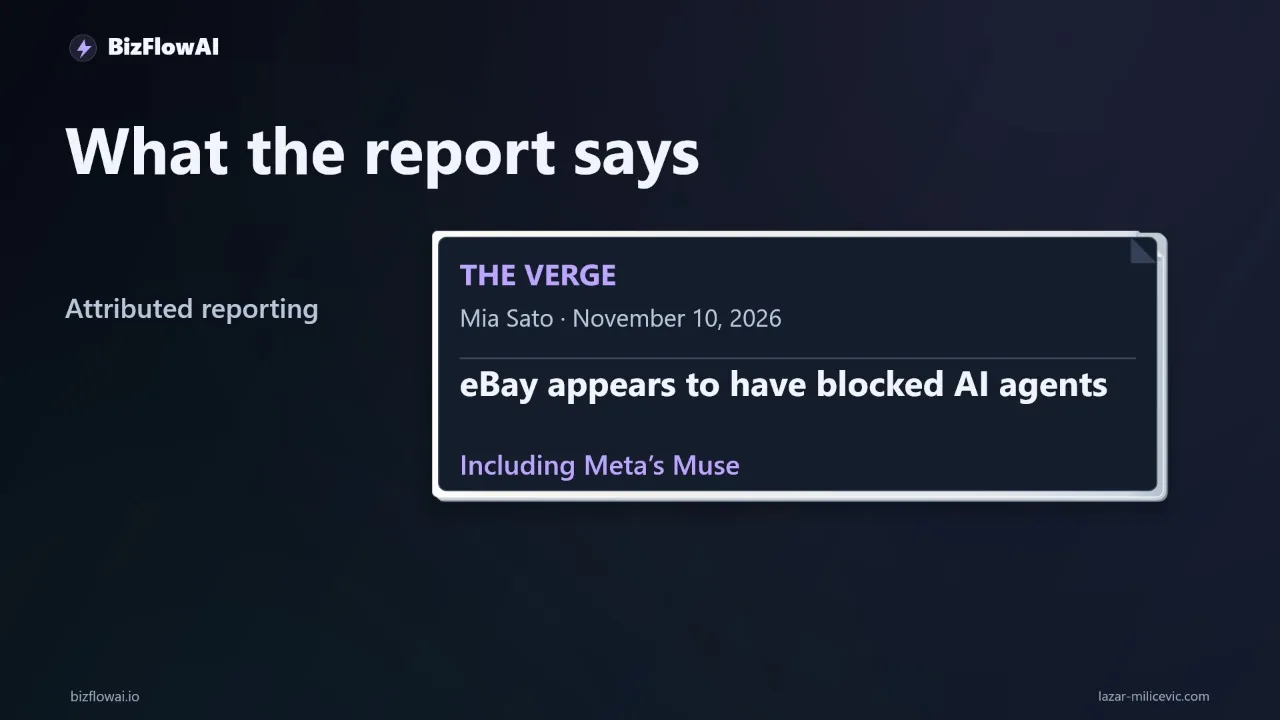
A copy published on thevergenews.pages.dev of a report attributed to The Verge says Meta’s Muse could no longer retrieve eBay listings for a reader’s watch-sourcing digest. The report says its reporters reproduced failures with other searches. In some tests, Muse pointed users to sites mirroring eBay listings rather than retrieving listings from eBay. The text is available on thevergenews.pages.dev; the domain’s status as an official or verified mirror has not been established. Treat this as a reported incident, not an eBay announcement of a new platform-wide block; check eBay’s official notices for changes to its access policies.
According to that copy, eBay told the reporters it restricts agent access in some cases, but did not confirm whether it had recently introduced new limits. Separately, eBay’s User Agreement prohibits automated access, including access by LLM-driven bots, without prior express permission. It also prohibits circumventing technical measures.
For a small shop, the immediate question is not how to make a blocked browser agent look like a human. It is whether your daily buying decision depends on that agent silently succeeding.
Suppose you source used equipment. Your workflow searches for listings that meet your criteria, sends candidates to your inbox, and leaves purchase approval to you. That division of labor is sensible. But if the search fails and the message says “nothing found,” the system has made an unsupported claim. You need two independent answers: Did the source get checked? and What did that check return?
Choose an access route before choosing an agent
Use a route you are permitted to use, then design the digest around what that route can actually prove. An eBay saved-search alert, an approved API integration, and a browser agent are not interchangeable ways to declare that the market has been checked.
For many small shops, the simplest supported starting point is an eBay saved search. Search for the item, select “Save this search” at the top of the results, and eBay says it will email alerts when newly listed items match. You can route those alerts into an inbox used for sourcing review.
That is useful, but be careful with the conclusion. Receiving an alert gives you a candidate to inspect. Not receiving an alert is not proof that a complete search ran and found nothing. Email delivery, alert timing, and the scope of your saved criteria all sit between the listing and your digest. If an alert is your input, label it as an alert—not as an exhaustive market check.
eBay also documents a Browse API listing-search endpoint, GET /item_summary/search, which requires an application access token. Its search documentation supports sort=newlyListed; without a sort parameter, results use Best Match. For a sourcing digest, that distinction matters: “newest listings” and “best-matched listings” answer different questions.
Do not treat the API as an instant production fallback. eBay says production use of its Buy APIs is intended for partners, requires an application, and is not guaranteed approval. It says its Partner Network will respond within 10 business days of a completed production-access submission. If you are planning an integration, establish your permitted access before promising a daily API-backed digest.
| Route | What the digest can safely say | What it must not infer |
|---|---|---|
| Saved-search email | “An eBay alert supplied these candidates.” | “No email means no matching listings.” |
| Approved Browse API search | “The configured query completed for the recorded scope.” | “This covers listings or pages the query did not check.” |
| Browser agent | “The agent returned these results from an attempted visit.” | “A failed visit means the market is empty.” |
The practical fallback for an owner without approved API access is often a saved search plus an explicit manual-review link. It may involve a human check. That is better than disguising missing coverage as automation.
Make source state separate from match count
Every source in a sourcing digest needs its own state: checked, failed, or not_attempted. Match count belongs only to a completed, defined check. A failed source has unavailable results, not zero results.
Here is the contract I would put between a search component and a digest component:
| State | Meaning | Match count | Owner-facing wording |
|---|---|---|---|
checked |
The configured search completed for its stated scope | Available, including zero | “Checked; no matches in the configured scope” or “Checked; matches attached” |
failed |
A search was attempted but did not produce a valid result | Unavailable | “Search failed; results unavailable” |
not_attempted |
No search was run | Unavailable | “Not checked” |
Define scope as carefully as state. If the integration checks only one page of results, say so. If your process requires multiple pages and stops partway through, it has not completed the required check. Calling that run checked would turn partial coverage into a confident answer.
A saved-search email needs slightly different treatment. It can supply listings for the digest, but an absent email should not be converted into checked with zero matches. You can record “no alert received” as an observation while leaving the underlying market check unverified. If the owner needs a definitive check, the workflow must request one through an available route.
Freshness needs its own field as well. Keep the last successful check time, but do not let it stand in for the current run. A message should be able to say:
eBay search failed. Current results are unavailable. Last successful check: [recorded timestamp]. Open the saved search for manual review.
That is more useful than an old shortlist presented under today’s heading. It tells the buyer what the system knows, what it does not know, and what action remains.
Build the digest so failure cannot become “zero results”
The digest renderer should reject a match count for any source that was not successfully checked. This is a small design constraint with a large operational benefit: an access error cannot quietly become “nothing worth buying.”
Here is a minimal Python model. It does not connect to eBay or imply API access; it shows the boundary your approved search implementation must satisfy.
from dataclasses import dataclass
from datetime import datetime
from enum import Enum
from typing import Optional


class State(str, Enum):
    CHECKED = "checked"
    FAILED = "failed"
    NOT_ATTEMPTED = "not_attempted"


@dataclass(frozen=True)
class SourceResult:
    name: str
    state: State
    scope: str
    matches: Optional[list[str]] = None
    checked_at: Optional[datetime] = None
    last_success_at: Optional[datetime] = None
    manual_review: Optional[str] = None

    def __post_init__(self):
        if self.state == State.CHECKED:
            if self.matches is None or self.checked_at is None:
                raise ValueError("A checked source needs results and a check time")
        elif self.matches is not None or self.checked_at is not None:
            raise ValueError("An unchecked source cannot report current results")


def render_source(source: SourceResult) -> str:
    if source.state == State.CHECKED:
        return (
            f"{source.name}: checked {source.scope} at "
            f"{source.checked_at.isoformat()}; "
            f"{len(source.matches)} matches"
        )

    previous = (
        source.last_success_at.isoformat()
        if source.last_success_at else "none recorded"
    )
    review = (
        f" Manual review: {source.manual_review}"
        if source.manual_review else ""
    )
    return (
        f"{source.name}: {source.state.value}; current results unavailable. "
        f"Last successful check: {previous}.{review}"
    )


def render_digest(sources: list[SourceResult],
                  required: set[str]) -> str:
    by_name = {source.name: source for source in sources}
    incomplete = any(
        name not in by_name or by_name[name].state != State.CHECKED
        for name in required
    )
    heading = "INCOMPLETE — OWNER REVIEW NEEDED" if incomplete else "COMPLETE"
    return "\n".join([heading, *(render_source(s) for s in sources)])
The search adapter sits upstream of this code. It should return checked only after a valid response and whatever pagination your defined scope requires. If it encounters an access or rate-limit error, it returns failed. eBay’s error documentation identifies HTTP 403 as “Forbidden” and 429 as “Too Many Requests.” Neither is a search result with zero matches.
There is another boundary worth enforcing: do not let the language model decide whether a request succeeded by reading a partial page or an error message. The integration code should classify the response first. The model can then summarize valid listings, but it should not be allowed to rewrite failed as checked or invent a count for unavailable results.
For delivery, send both the shortlist and source statuses to the same place—email or chat. If a required source failed, put INCOMPLETE in the subject or first line and notify the owner. A digest that hides its warning below attractive listings from other sources is easy to misread.
Test the missing-data path before trusting the daily message
Deliberately make a required source unavailable and inspect the message the owner receives. The test passes only if the digest stays incomplete, reports current results as unavailable, preserves any valid results from other sources, and gives the owner a manual next step.
You can test the contract without live marketplace access:
from datetime import datetime, timezone

failed_source = SourceResult(
    name="eBay search",
    state=State.FAILED,
    scope="configured sourcing query",
    last_success_at=datetime.now(timezone.utc),
    manual_review="Open the saved search in your eBay account",
)

digest = render_digest(
    sources=[failed_source],
    required={"eBay search"},
)

assert digest.startswith("INCOMPLETE")
assert "current results unavailable" in digest
assert "0 matches" not in digest
print(digest)
Run the same test when a search is skipped rather than failed. Then test a successfully completed search with an empty result list: that message may say zero matches, provided it names the scope that was actually checked. Finally, test a mixed digest in which one required source fails and another succeeds. The working source’s listings should remain visible, but the overall message must still say incomplete.
Retries have a place for ordinary transient failures, but they are not a fallback plan for denied access. Do not build a business workflow around repeated retries or attempts to disguise an agent. Confirm the terms and permissions of the access route you intend to use; if no supported automated route fits, make the check manual.
The operating rule is straightforward: a trustworthy shortlist and a clear request for human review are both useful outputs. A silent gap is not.
Design the failure path
For a small-team automation, the work is not just generating a digest; it is connecting the search, delivery, and owner handoff so a failed source is visible. Treat that failure path as part of the workflow design. This article describes a pattern you can implement and test; it does not claim an existing eBay integration or approved production API access.
Want more like this?
BizFlowAI is the planned name of a YouTube channel. Its URL is pending setup.
Planning an AI automation project or need a second opinion on your architecture?
I’m Lazar Milićević, a senior engineer who builds AI automations.
Frequently asked questions
What happened to AI agents browsing eBay?
The Verge reported on November 10 that eBay appears to have blocked AI agents, including Meta’s Muse, from browsing its platform. One reader had used Muse to find watch listings for a daily digest. The report does not establish how the block works, whether every third-party agent is affected, or whether approved integrations still work.
Why does access status matter for an automated listing digest?
A digest that says “no matches” can mislead you if its search never ran. For a business relying on listings to find inventory, a failed search could look like a lack of buying opportunities. Report whether each source was checked, failed, or not attempted, separately from the match count. An empty result is meaningful only after a completed search.
How do I handle a failed source in an automated digest?
Mark the digest incomplete if a required source fails, and notify the owner. Show the results from sources that worked, but make the missing coverage clear. Include the time of the last successful check so old results are not mistaken for current ones, and add a saved-search link for manual review if one is available.
When should I use an official API instead of a browser agent?
Investigate an official API or another explicitly supported route when your workflow needs dependable automated access to a source. Confirm that it permits your particular use; an API may not exist for the job or provide the same access as the website. If no supported route fits, keep that step manual rather than relying on repeated retries or attempts to disguise the agent.