ConnectWise Breach: Can You Stop Your AI Workflows?
You connected Gmail to your customer records, your records to invoicing, and invoicing to chat, and it saves you hours every week. Then a vendor you trust gets breached, and you realize you've never tested what "turn it all off" means for that setup. Here's a drill you can run on one workflow today, grounded in what the ConnectWise incident showed.
What the ConnectWise reporting says, and what it doesn't
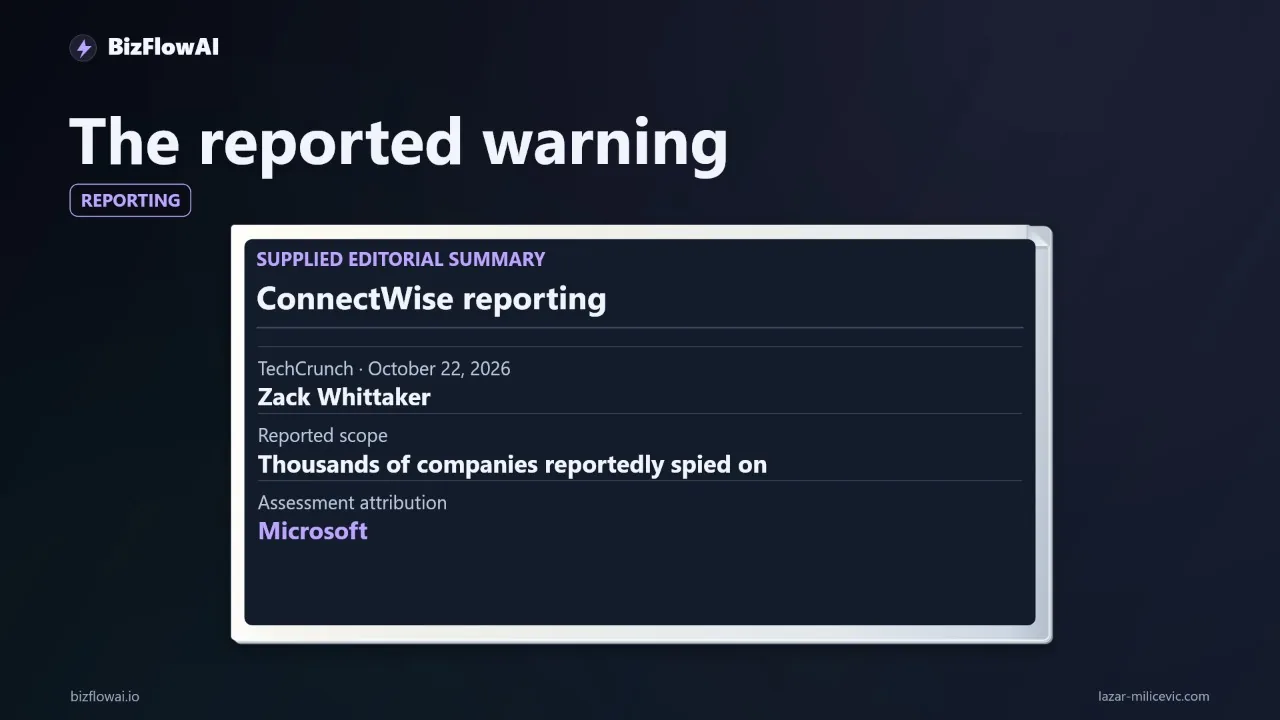
The core claim is narrow. TechCrunch reports, citing Microsoft, that a China-aligned hacker used AI agents (an open-source framework called ARTEX) to rapidly attempt sign-ins at around 2,250 organizations, at almost 3,000 attempted sign-ins per minute, after breaching ConnectWise's cloud backup service. Microsoft attributes the activity to a group it tracks as Storm-0940 and says the group has used ARTEX since as early as September 2026.
Be careful with the numbers, because they changed as the story developed:
- Huntress first confirmed unauthorized sign-ins in 173 partner and customer tenants as of October 17.
- It later reported almost 1,000 tenants with sign-in activity from the attacker's IP address, more than 300 of them successful.
- Microsoft's 2,250+ figure counts tenants with attempted sign-ins. Most attempts failed.
No single number is the final total. Data theft is also unconfirmed: ConnectWise says there's no indication backup data was compromised. The AI model behind the agents wasn't identified in the ConnectWise case either, so I won't guess.
The takeaway for a small team isn't "AI hackers are coming for you specifically." It's this: a trusted integration was the route in, and automation compressed the time between "credential stolen" and "tenants probed."
Why MFA didn't help, and why that matters for your connections
Microsoft says the stolen application credentials let the actor operate without an interactive user sign-in. It never had to log in as a person, so a user-focused control like MFA never came into play.
That's the part most small-business automation setups share. Think about what your workflows hold:
- A Gmail or Google Workspace OAuth grant for your inbox bot
- An API key for your accounting or invoicing tool
- A bot token for your chat alerts
- A database or CRM service credential
None of these have a human typing a code. They're machine identities. If one leaks, MFA on your own login protects nothing, because the attacker never uses your login.
What to inventory first
- Every OAuth grant and API key your automations use, with the account it belongs to
- What each credential can do (read-only vs. send/write/delete)
- Where it's stored (env file, secrets manager, the automation platform's vault)
- Who can revoke it, and how long that takes
If that list doesn't exist, building it is the first half of the drill.
Build the shutdown card
A shutdown card is one page per workflow. If you can't fill it out in ten minutes, you've found a gap before an incident finds it for you.
Here's the template I use, as a YAML file stored next to the workflow:
workflow: lead-follow-up
owner: you@example.com
trigger: new email to inquiries@ (Gmail push / poll every 5 min)
steps:
  - read inquiry (Gmail, read-only scope)
  - upsert customer record (CRM API key: crm_prod)
  - draft reply (LLM call, API key: llm_main)
  - alert in chat (bot token: chat_bot)
external_actions:   # things that touch the outside world
  - send_email
  - write_crm
  - post_chat
credentials:
  gmail_oauth:  { where: "Google account > Security > Third-party access", who_can_revoke: me }
  crm_prod:     { where: "CRM > Settings > API keys", who_can_revoke: me }
  llm_main:     { where: "provider console", who_can_revoke: me }
  chat_bot:     { where: "bot admin console", who_can_revoke: me }
pending_jobs:   # where queued work lives
  - automation platform run queue
  - retry queue (redis list: lead_retry)
  - scheduled sends
action_log: "postgres table action_log (workflow, step, idempotency_key, ts)"
kill_order: [pause trigger, stop workers, drain/inspect queue, revoke credentials]
restart_check: "dedupe on inquiry_id before any send/write"
The external_actions and pending_jobs fields matter most. Pausing the visible workflow is easy. The failures show up when a separate worker keeps running, or a queued message sits waiting to send the moment something restarts.
Run the drill with dummy data
Use a test mailbox and fake customer data. Never experiment on live invoicing or client messages.
The sequence:
- Send one dummy inquiry and let the workflow start.
- Pause it before its next external action (the send or the write).
- Check whether any other process continues. Workers, cron jobs, and webhook receivers are the usual culprits.
- Inspect the queue for anything pending.
- Revoke one credential and confirm access actually stops.
- Before restarting, check whether the same inquiry would produce a second reply or duplicate record.
Step 3 is easy to script. This is a minimal sketch for a Linux box where workers run as systemd services; adapt the names to your setup:
#!/usr/bin/env bash
# containment_check.sh - what is still alive after I "paused" the workflow?
set -euo pipefail

echo "== Running workers =="
systemctl list-units --type=service --state=running | grep -E "lead|worker|bot" || echo "none found"

echo "== Cron entries touching the workflow =="
crontab -l 2>/dev/null | grep -i lead || echo "none"

echo "== Pending jobs (redis) =="
redis-cli LLEN lead_retry

echo "== Outbound connections from workflow user =="
ss -tpn | grep -E "$(id -u automation 2>/dev/null || echo 0)" || echo "none"
And for the restart problem, the duplicate guard is a few lines. This is the pattern that makes restart safe:
import hashlib, sqlite3

db = sqlite3.connect("action_log.db")
db.execute("""CREATE TABLE IF NOT EXISTS action_log
              (key TEXT PRIMARY KEY, workflow TEXT, step TEXT, ts TEXT DEFAULT CURRENT_TIMESTAMP)""")

def already_done(inquiry_id: str, step: str) -> bool:
    key = hashlib.sha256(f"{inquiry_id}:{step}".encode()).hexdigest()
    try:
        db.execute("INSERT INTO action_log (key, workflow, step) VALUES (?, 'lead', ?)", (key, step))
        db.commit()
        return False          # first time: go ahead
    except sqlite3.IntegrityError:
        return True           # seen before: skip the send/write

if not already_done(inquiry_id, "send_reply"):
    send_reply(...)
Record three things from each run: time to contain, actions that happened after the stop, and anything you couldn't account for. Real numbers, no estimates. Those results become your repair list.
Disabling is containment, not cleanup
This is the lesson I'd underline from the incident. ConnectWise disabled seven application identities on October 17 and suspended three services. But its CEO, Manny Rivelo, said that shutting down the affected application connections would not necessarily remove attackers who already had a foothold in customer environments.
Huntress saw attackers plant new app secrets set to expire in 2028 in at least one tenant. That's persistence that survives the vendor shutting down its own side. Responders also warn that disabling an app stops new tokens while existing tokens stay valid until they expire.
Translate that to your drill. After you revoke a credential, add these checks:
- Did you revoke, or only pause? A paused workflow with a live key is still exposed.
- Are there other credentials the same app could mint? Look for new secrets, new OAuth grants, new API keys you didn't create.
- Do existing sessions or tokens outlive the revoke? Know the expiry window for each credential type, and don't assume instant.
- Did you preserve evidence first? Microsoft's guidance is to not delete affected enterprise applications as the first response; preserve configuration and evidence before any irreversible change.
For the Microsoft 365 side specifically: in Entra you can disable an enterprise app in your own tenant by setting the service principal's accountEnabled property to false, which the portal shows as "Enabled for users to sign-in? = No". It needs at least the Cloud Application Administrator role. Admin-granted permissions can be revoked in the portal; user-consent permissions need Graph API calls or PowerShell.
If you were a ConnectWise Cloud Backup customer, Microsoft's guidance is to keep the affected app connections disabled until ConnectWise issues formal restoration instructions, and to search tenants by application ID rather than display name. Review service principal sign-ins and Entra audit records from at least October 15, 2026, and check every tenant where the apps were ever installed or authorized, even if you stopped using the integration. Service restoration status is changing, so check directly with ConnectWise rather than relying on a news post. (The Register and the vendor's own notices are the places to look.)
The visibility gap you can't outsource
One detail from the incident applies to every small team: ConnectWise said its Cloud Backup design gives it no visibility into downstream customer environments. It couldn't determine on its own whether a given customer's tenant saw unauthorized activity.
Your vendors may be in the same position. If a tool holds a credential to your systems, the vendor often can't tell you what happened inside your account. Only your own logs can.
That's why the action log in the shutdown card isn't optional. Minimum viable logging for a small automation:
- One row per external action: workflow, step, target, idempotency key, timestamp
- Stored somewhere the automation's own credentials can't delete
- Reviewable in under five minutes without writing a query from scratch
When you suspect a connection, "what did it do between Tuesday and now?" should be a single lookup, not an afternoon of reconstruction. Note also that Huntress pointed out that Graph directory reads leave no audit trail, so some activity can't be reconstructed from logs at all. Least-privilege scopes reduce what there is to worry about in the first place.
Where this fits in what I build
I build automation systems daily, and the pattern I keep coming back to is the same one the drill tests: every workflow should have one place that lists its credentials, one switch that stops its external actions, and a log that says what already happened. It's the unglamorous part, and it's the part that decides whether an incident costs you an hour or a week. You can find my work at bizflowai.io.
Your repair list
The ConnectWise reporting doesn't prove your workflow is vulnerable. It gives builders a reason to test an assumption we usually leave alone: that trusted access will stay trustworthy. A working automation should also be one you can operate under stress.
Do this today, on one workflow:
- Fill out the shutdown card. Note every field you couldn't answer.
- Run the drill with a test mailbox and dummy data.
- Record time to contain, actions after the stop, and unaccounted-for items.
- Fix the top gap: usually centralized credential revocation, clearer job logs, or a restart duplicate check.
Working code, working system. If you only fix one thing, make it the duplicate guard, because restarting wrongly can do as much damage as the incident.
Want more like this?
I publish practical AI automation, GenAI engineering, and faceless content workflows on YouTube every week.
Subscribe to bizflowai.io on YouTube — never miss a new tutorial.
Planning an AI automation project or need a second opinion on your architecture?
Connect with me on LinkedIn — Lazar Milicevic, GenAI Engineer & bizflowai.io Founder.
Visit bizflowai.io for our services, case studies, and AI consulting.
Frequently asked questions
What did TechCrunch report about the ConnectWise breach and AI agents?
TechCrunch's October 22 article by Zack Whittaker describes a ConnectWise breach followed by spying on thousands of companies. Its summary attributes an assessment to Microsoft that a China-aligned hacker used AI agents to speed up compromises across customers. This is an attribution from the reporting. It does not establish that AI independently planned every step, and the summary doesn't name which AI models were involved.
Why does the ConnectWise breach matter for small businesses that automate their workflows?
It shows that a trusted provider can become the route into your operations. Connected tools like email, invoicing, and customer databases save time, but those same connections give a compromised component somewhere else to go. The reported use of AI agents also adds a speed concern, so your response process needs to work without hours of detective work. The reporting doesn't prove any particular workflow is vulnerable.
How do I run a containment drill on an automated workflow?
Pick one workflow and test it with a dummy account and fake customer data, never live invoicing or client messages. Start one dummy inquiry, then pause the workflow before its next external action. Check whether another process keeps running, inspect anything queued, and confirm that disabling a connection actually blocks further access. Before restarting, check whether the same inquiry would trigger a duplicate reply or record.
What is a shutdown card for an automated workflow?
A shutdown card is a short document that records what you need to contain a workflow during an incident. It lists the trigger, the systems the workflow touches, where its credentials are managed, and who can disable them. It also notes where pending jobs sit and which log records completed actions. If you can't fill it out, you've found a gap before an incident exposes it.
What should I measure during a workflow shutdown drill?
Record three things using real numbers rather than estimates: how long it took to contain the workflow, which actions still happened after you stopped it, and anything you couldn't account for. These results become a specific repair list. Examples include adding centralized credential revocation, improving job logs, or building a duplicate check so restarting doesn't repeat actions like sending a second reply.