ChatGPT Voice: A Spoken Reply Isn’t a Finished Job
▶ Watch the video version of this article
A customer asks whether you can deliver by Friday and whether installation is included in the quote. You answer ChatGPT out loud, hear a polished reply, and move on—except the customer’s email is still unanswered. For a small business, that gap between speaking a response and completing the work is the part worth testing.
What ChatGPT Voice can do—and what a spoken reply proves
ChatGPT Voice lets you speak to ChatGPT and hear its response. A useful spoken draft is evidence that the conversation produced wording you might use; it is not evidence that the correct customer message was found, an email draft was created, or anything was sent.
OpenAI distinguishes a live Voice conversation from Dictation, which converts a recording into editable text. Both can help an owner get an answer out of their head without typing. Neither, on its own, closes a customer request.
Consider this fictional inquiry:
“Can you deliver by Friday, and does the quote include installation?”
The owner’s spoken instruction might be:
“Help me draft a short reply. We haven’t confirmed Friday. Installation needs a separate quote. Don’t promise either.”
A suitable illustrative draft would be:
“Thanks for checking. We’re confirming whether Friday is possible. Installation isn’t included in the current quote, but we can price it separately.”
That is not a recorded ChatGPT result. It is a test case: can the interface turn an owner’s explanation into wording that preserves two business constraints? If it changes “Friday isn’t confirmed” to “We can deliver Friday,” the draft fails even if it sounds professional.
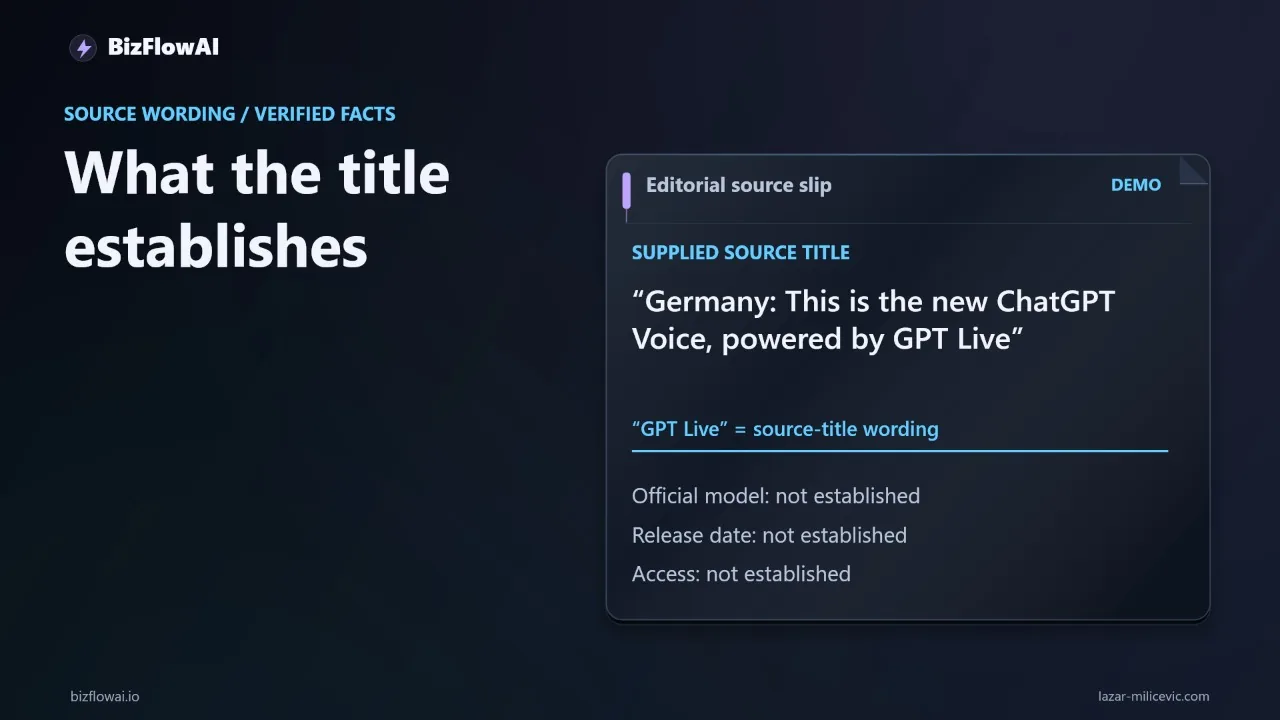
OpenAI uses the name GPT-Live in its release notes. Check those notes for supported features and availability rather than assuming that a product name establishes a customer-email integration.
The opposite assumption would also be wrong: Voice is not necessarily limited to talking. OpenAI’s release notes announce plugin support for Live Voice on web, iOS, and Android, and its ChatGPT Work documentation describes Voice using connected apps. Whether your setup can create or send an email depends on the available app, its permissions, and the workflow you configure. Test that capability in your account rather than inferring it from a voice demo.
The handoff: connect the right message to the right draft
A customer-email workflow needs a reliable handoff between the conversation and the email system. The owner’s voice supplies intent; the connected workflow must identify the incoming message, keep the reply in the correct thread, and show the resulting draft for review.
Here’s exactly how I would specify the operation before connecting an AI agent to email:
incoming_request:
  source: authorized_email_account
  message: specific_customer_message
  thread: original_customer_thread

owner_intent:
  delivery_date: unconfirmed
  installation: excluded_from_current_quote
  instruction: offer_to_quote_installation_separately

allowed_action:
  create_draft: true
  send_email: false

completion_evidence:
  draft: visible_in_destination_account
  recipient: matches_original_sender
  thread: matches_original_thread
This is a workflow specification, not a configuration you can paste into ChatGPT. Its value is that it separates decisions that a conversational demo tends to blur.
First, which message? “Reply to the customer about Friday” is ambiguous if several customers have asked about delivery. The workflow should use the selected message from the email system, not guess from a summary.
Second, which business facts? The owner has supplied two constraints. The draft may improve wording, but it must not resolve uncertainty on the owner’s behalf. If pricing or delivery information is missing, the system should say it is unconfirmed or ask for clarification.
Third, which action? Creating a draft and sending an email are different actions; check which actions the connected app supports and what permissions it requests for each. An OpenAI-listed Superhuman Mail plugin describes drafting replies and sending emails as separate capabilities, subject to availability and permissions. That separation is a useful design principle even if you use another tool.
For a small team, the most useful first milestone is often modest: the correct draft appears in the correct thread, with no send action enabled. That removes copying and pasting while leaving the consequential decision with a person.
Approval is a separate step, not a spoken “yes”
If an action requires approval in ChatGPT Work on web or mobile, OpenAI says it must be approved or declined using on-screen controls, not spoken approval. A voice instruction can express what you want; it does not replace the approval mechanism for an action that requires one.
This boundary matters when the interface feels conversational. “That looks good—send it” can sound like a completed instruction even when the app is waiting for an on-screen decision, lacks send permission, or has only prepared text. OpenAI’s connected-app permission guidance explains that permissions control when ChatGPT can read account information or act on a user’s behalf. It also lists sending an email among actions that may require additional review. Do not assume every send requires the same approval, or that every spoken send request will execute.
Set the initial boundary explicitly:
| Stage | What you can verify | What it does not prove |
|---|---|---|
| Spoken reply | You heard proposed wording | An email draft exists |
| Draft text in ChatGPT | You can review the wording | It is in the right mailbox or thread |
| Draft in the email account | Recipient, thread, and content are visible | The message was sent |
| Sent-message record | The email system recorded a send | The recipient read or received it successfully |
For customer commitments, inspect the destination before approval: recipient address, thread, quoted history, attachments if relevant, and the exact wording. The fictional Friday example is deliberately simple. In a real inbox, the wrong recipient or an inherited reply-all list can matter more than a slightly awkward sentence.
Approval should also have an understandable failure path. If the app cannot find the original message, it should stop rather than compose a new email to a guessed address. If an approval is pending, the task should say so. OpenAI notes that an action awaiting approval can pause an event-triggered task. A paused task is not a completed customer reply.
Build for transcription errors and uncertain results
Voice adds another place for a business fact to change before a customer sees it. OpenAI cautions that Voice transcripts are not guaranteed to reproduce exactly what was said. Treat the transcript and generated draft as material to inspect, not as a definitive record of the owner’s intent.
Suppose “Friday is not confirmed” is transcribed or rewritten as “Friday is confirmed.” The workflow needs a review point before sending, particularly for dates, prices, exclusions, and promises. A simple structured check can make those constraints visible:
# Illustrative pre-review check, not a substitute for human approval.
def check_example_draft(text: str) -> list[str]:
    lower = text.lower()
    issues = []

    if "friday" in lower and "confirm" not in lower:
        issues.append("Review how the unconfirmed Friday date is described.")

    if "installation" not in lower:
        issues.append("The installation exclusion may be missing.")

    if "installation is included" in lower:
        issues.append("Draft may contradict the quote.")

    return issues
This code will miss many bad replies and flag some acceptable ones. That is the point: keyword checks are guardrails, not an understanding of the quote. The authoritative review is the owner comparing the draft against the actual customer request and business record.
The same caution applies after an action. If an email service returns an error, report the failure rather than saying the customer was answered. If the connection drops after a send request, do not immediately retry: check the destination account for a sent record first, or you risk sending a duplicate. A task status or spoken “done” is not proof that the customer received the message. OpenAI’s team-task guidance advises checking the destination as well as the task result when a task is meant to send a message.
If you later add an event-triggered workflow, OpenAI documents ChatGPT Work tasks that can respond to supported Gmail activity, including a new message. That requires configuring the event and the task. It should not be mistaken for an automatic Voice-to-email connection, and any action awaiting approval may pause the task.
Run a test that distinguishes drafting from execution
Test Voice with a fictional customer inquiry first. Measure whether it preserves your instructions and how much work remains after the conversation—not whether the spoken answer merely sounds fluent.
Use the Friday-and-installation example without real customer details. Start a timer before speaking. Ask for a short reply that does not confirm the date and does not include installation in the current quote. Stop when you have a draft you would approve, then record:
- Whether the date remains unconfirmed.
- Whether installation remains outside the current quote.
- Whether the draft invents any commitment.
- What you had to correct.
- The elapsed time from request to approvable wording.
Then test the handoff separately. If your account has an authorized connected app that supports creating a draft, inspect the draft in the destination email account. Confirm its recipient, thread, and contents. If your setup only produces text, record the outcome as text prepared; email action not tested. That is a useful finding, not a failed experiment.
Do not turn one trial into a claim about weekly time savings. Repeat the test on the kinds of messages that actually consume your time, while keeping sensitive customer information within tools you are authorized to use. Note where you still have to search for context, check a quote, move text, or request approval. Those remaining steps tell you what to automate next.
The practical verdict: ChatGPT Voice can be a convenient way to capture an owner’s intent, and connected-app capabilities may extend the workflow beyond conversation. The business job is finished only when the intended action has happened in the right system and its result has been checked. Start with verifiable drafts; add sending only when the permissions, approval path, and failure handling are clear.
Where bizflowai.io fits
I’m Lazar Milićević, a senior engineer who builds AI automations that ship. My focus is practical AI automation for solopreneurs and small teams. For a customer-reply workflow, I would start by defining the message handoff, draft review, and completion evidence—not by treating a spoken response as an email that has been sent.
Want more like this?
Practical AI automation for solopreneurs and small teams is the focus.
Frequently asked questions
What is the difference between drafting a customer reply with ChatGPT Voice and completing the email task?
A voice assistant can help turn spoken instructions into a draft, but that does not mean it has found the right email, created a draft in the correct thread, or sent a reply. Those steps require a separate, authorized connection to the email system. A completed task should produce something the owner can verify, such as a draft link, a sent-message record, or an explicit failure.
How do I test whether a voice assistant can draft a customer reply accurately?
Use a fictional inquiry with two constraints, such as an unconfirmed delivery date and installation that requires a separate quote. Ask the assistant for a short reply that preserves both constraints without making commitments. Time the process until you have a draft you would approve, then check for invented details and record any corrections. Keep real customer information out of the first test.
Why does approval matter when using voice to handle customer emails?
Approval gives the owner a chance to catch errors before a reply reaches the customer. For example, a draft might change an unconfirmed Friday delivery date to Thursday or imply that installation is included in the price. Creating a draft and sending it should be separate actions, with clear permission to send. A spoken confirmation alone is not evidence that either action happened.
When should I count a voice-assisted reply as text prepared versus an email action completed?
Count it as text prepared if the assistant produced wording but you have not verified a draft or sent message in the email account. If your setup supports a connected tool, check the destination account for the draft in the correct thread. Only count sending as completed when you can verify a sent-message record. If the result is uncertain, check before retrying to avoid a duplicate reply.