AI Storage: What Your Invoice Agent Leaves Behind
▶ Watch the video version of this article
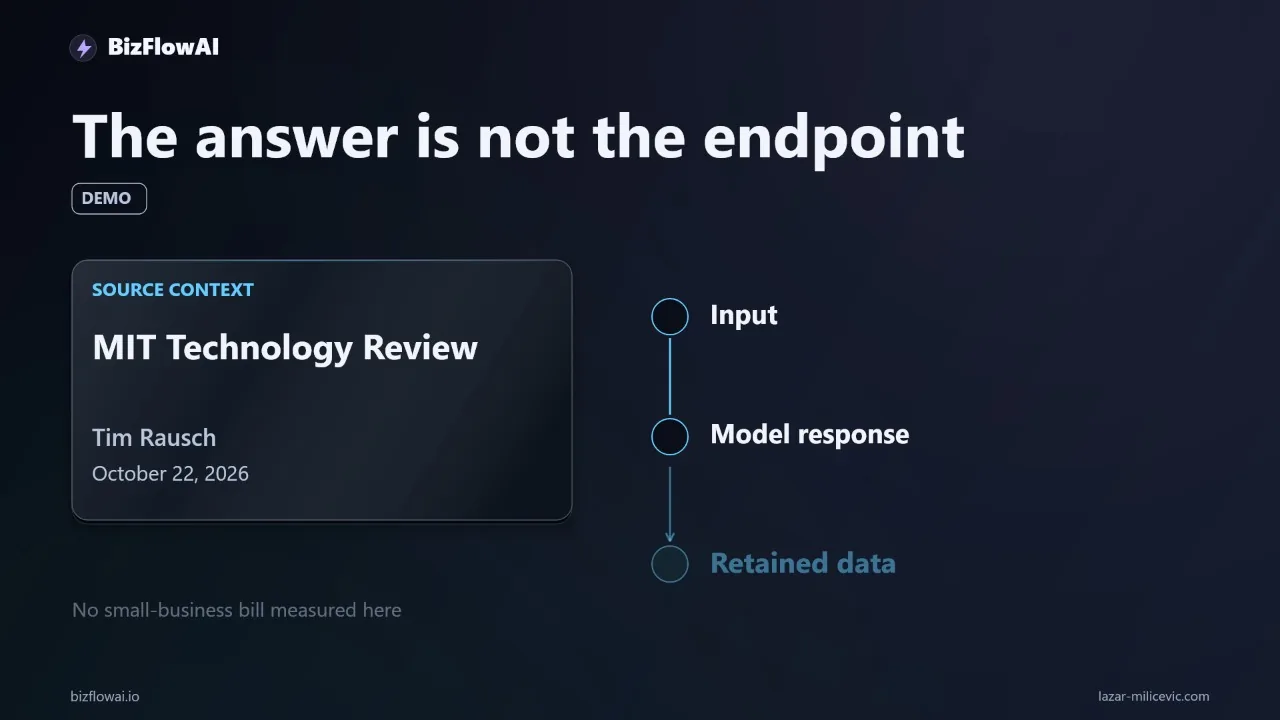
You automated invoicing so you'd stop touching attachments by hand. Now ask the harder question: after the agent posts the entry, what is still sitting in your inbox, your workflow history, your logs, and your AI provider's systems? On October 22, MIT Technology Review ran a piece on exactly this blind spot, and it applies to a small-business invoice workflow in a narrower, more practical way than the headline suggests.
What the MIT Technology Review piece says, and what it doesn't
The article's argument is that inference never stops, so the data it leaves behind never stops accumulating. In "AI's hidden storage bill: What inference leaves behind", the point is that training is a finite run, while inference is continuous. Every request leaves something behind.
The headline number comes from Western Digital's internal measurements of AI video: an 8-second clip delivered as a 3.97MB 720p file left more than 500MB of back-end data (logs, cached context, renders, backups, safety records). The article frames that as roughly a 130x increase over the file the user saw.
Read that carefully, because it's easy to misuse:
- It's a measurement of AI-generated video, not invoice text or email attachments.
- It comes from a hardware vendor's internal measurements, and at least one secondary summary describes the piece as a sponsored Western Digital report. Treat the ratio as a vendor data point, not a benchmark.
- Nobody has published a measured storage bill for a small business invoice agent. I'm not going to invent one.
So I'm not claiming your invoice agent leaves 130x more data than it processes. A text PDF and a few KB of extracted JSON are a different animal from rendered video. What transfers is the shape of the problem: the artifact you see (a posted accounting entry) is a small fraction of the artifacts the system touched.
The useful question is narrower than "how big is the bill." It's: what does my automation keep after a job completes, and who decided that?
Trace one invoice and count the copies
A single invoice moving through an AI workflow can leave five or more distinct artifacts, depending on how you built it. Take a PDF arriving in Gmail. The automation reads the attachment, extracts supplier and amount, validates the details, and prepares an accounting entry. A person approves exceptions before anything posts.
That sounds like one document in one process. Depending on your implementation, you may also have:
- The original email and attachment in the mailbox
- A downloaded copy in the workflow's file storage
- Extracted text or OCR output
- The model's raw response (the structured JSON it returned)
- Execution history inside your automation tool
- Application logs, possibly containing the full payload
- A temporary processing copy, such as a converted image
- Backups or version history on any folder you sync
These are possible implementation choices, not a claim that every tool creates all of them. That's the point of auditing: you find out which ones your build creates.
Here's the exercise I recommend. Use a test invoice with no real customer data, and build a five-column sheet:
| Artifact | Location | Purpose | Retention rule | Deletion owner |
|---|---|---|---|---|
| Original PDF | Gmail | Source document | Business records policy | You |
| Downloaded copy | Workflow temp folder | Input to extraction | Delete after successful run | Automation |
| Extracted JSON | Workflow execution history | Debugging, audit trail | ? | ? |
| Model response | Provider logs | Not in your control | Check provider docs | Provider |
| Debug log line | App log file | Failure investigation | ? | ? |
The blank cells are the finding. Every "?" is a file nobody owns. You automated to remove a handoff, and an unowned pile of artifacts is a new maintenance job you didn't budget for.
If you want to automate the discovery part, a small script can inventory a working directory so you're not eyeballing it:
import os, time, csv

def inventory(root, out="artifact_audit.csv"):
    rows = []
    for dirpath, _, files in os.walk(root):
        for f in files:
            p = os.path.join(dirpath, f)
            st = os.stat(p)
            age_days = (time.time() - st.st_mtime) / 86400
            rows.append([p, st.st_size, round(age_days, 1)])
    with open(out, "w", newline="") as fh:
        w = csv.writer(fh)
        w.writerow(["path", "bytes", "age_days"])
        w.writerows(rows)
    print(f"{len(rows)} files written to {out}")

inventory("./workflow_data")
Run it after a test job completes. Anything still there that you can't justify in the spreadsheet is a candidate for a retention rule.
What your AI provider keeps, which you don't control
Deleting your local copy tells you nothing about what the provider retains. For an invoice agent that sends attachments to a model API, the provider's retention settings are part of your data lifecycle. Here's what the official documentation says for two major providers. Re-check the live pages before relying on any of this, since policies change.
OpenAI API (data controls):
- By default, abuse-monitoring logs (which can contain prompts and responses) are generated for all API usage and retained for up to 30 days, unless longer retention is required by law or to prevent harm.
- The Responses API keeps application state for 30 days by default, or when
storeis true. That's separate from the abuse logs. - Zero Data Retention and Modified Abuse Monitoring aren't self-serve. They require prior approval from OpenAI.
- With ZDR enabled,
storeon/v1/responsesand/v1/chat/completionsis always treated as false. - Uploaded files (
/v1/files) and vector stores (/v1/vector_stores) are not ZDR eligible. They carry 30 days of abuse-monitoring retention and keep application state until you delete them.
That last one matters directly for invoice agents. If your design uploads attachments as files so the model can read them, those uploads persist until you delete them. A cleanup step that removes your local temp file leaves the uploaded copy untouched.
Anthropic API (retention page):
- Inputs and outputs are automatically deleted from Anthropic's backend within 30 days of receipt or generation.
- Exceptions include services with longer retention under your control, such as the Files API.
- Content flagged as a Usage Policy violation can be kept for up to 2 years, and trust-and-safety classification scores for up to 7 years.
The pattern is the same across both: the default window is about 30 days, there are documented exceptions, and file-upload features are where retention becomes your responsibility. Also note that "zero data retention" is not "nothing is ever stored." Both providers document exceptions such as legal holds and flagged content.
I haven't verified how specific third-party tools (your automation platform's execution history, your accounting software, Gmail) handle their own leftovers. Check each one's documented settings rather than assuming.
Separate accounting records from processing scraps
The mistake runs in both directions: deleting too eagerly destroys evidence, and keeping everything forever creates liability. The fix is to classify artifacts by why they exist, then give each class its own rule.
Three buckets work for an invoice workflow:
- Business records. The original invoice and the accounting entry. These have formal retention requirements.
- Audit evidence. What the agent received, what it extracted, and what the reviewer approved. You need this to investigate a wrong amount.
- Processing scraps. Temp conversions, intermediate text, duplicate downloads. These have a short useful life.
For bucket 1, retention is a tax and legal question, not an engineering one. On the US side, the IRS says you must generally keep records supporting income, deductions or credits until the period of limitations for that return runs out (IRS guidance). The default for income tax records is 3 years unless a longer situation applies. Examples from the same page:
- 6 years if you omitted income that is more than 25% of the gross income shown on your return
- At least 4 years for employment tax records, counted from when the tax becomes due or is paid, whichever is later
- Indefinitely if you don't file a return or file a fraudulent one
You'll often hear "keep invoices 7 years." That's common accountant advice, not a general IRS rule. The IRS ties 7 years specifically to claims for worthless securities or bad-debt deductions. Treat 7 years as a conservative practice if your accountant recommends it, and confirm your own requirements with a tax professional. State and industry rules vary, and I haven't verified any of those, so I won't give numbers for them.
For buckets 2 and 3, the periods are your design decision. A reasonable starting point for a test setup (an example policy, not a universal deadline):
retention:
  original_invoice:      # bucket 1
    owner: bookkeeping
    rule: follow accountant/jurisdiction guidance
  audit_record:          # bucket 2
    contents: [job_id, extracted_fields, reviewer_decision, timestamp]
    rule: keep with the accounting entry
  failed_job_payload:    # bucket 2, short-lived
    rule: keep briefly for investigation, then delete
  temp_extraction_files: # bucket 3
    rule: delete after successful run
  debug_logs:
    contents: [job_id, error_code]   # not the full invoice
    rule: rotate on a schedule you choose
Notice the audit record stores extracted fields and the decision, not the raw payload. That gives you an explainable trail ("it extracted $1,240.00, the reviewer approved") without holding a full copy of every document in a log file somewhere.
Make deletion part of the job, then verify it
A job isn't done until its cleanup has run and you've confirmed what's gone. A setting labeled "automatic cleanup" is a claim, not proof. Build the deletion into the workflow's definition of complete, and test it.
A minimal pattern for the temp-file bucket:
import os, json, logging

log = logging.getLogger("invoice_job")

def finish_job(job_id, temp_paths, success, audit):
    # 1. Persist the audit record (fields + decision, not raw payload)
    with open(f"audit/{job_id}.json", "w") as fh:
        json.dump(audit, fh)

    # 2. Delete temp artifacts only on success; keep failures for review
    if success:
        for p in temp_paths:
            try:
                os.remove(p)
            except FileNotFoundError:
                pass
    else:
        log.warning("job %s failed; temp files retained for investigation", job_id)

    # 3. Verify, don't assume
    leftover = [p for p in temp_paths if os.path.exists(p)]
    log.info("job %s cleanup: success=%s leftover=%d", job_id, success, len(leftover))
    return leftover
If your design uploads files to a provider, add an explicit delete call for the uploaded object as part of that same step, and check the provider's documentation for how to confirm deletion. The local os.remove doesn't reach it.
Then run the verification test:
- Complete one test job with a no-customer-data invoice.
- Trigger the deletion rule.
- Re-check every location from your spreadsheet: workflow storage, execution history, logs, synced folders, and provider-side objects you control.
- Record what disappeared and what remains.
Execution history is the one people forget. Many automation tools keep each run's inputs and outputs by default, so the temp file is gone but the full payload still sits in the run log. Check whether your tool lets you set a retention window or redact payloads, and confirm that in its own documentation.
Where this fits in how I build
My approach to invoice and inbox automations is to treat the retention table as part of the build, not an afterthought: every artifact the workflow creates gets a location, a purpose, a retention rule, and a named owner before it goes live, and the cleanup step gets tested on a sample job the same way the extraction step is. That's the practical meaning of "a system you can operate" versus a demo that ends when the correct number appears. My focus at bizflowai.io is practical AI automation for solopreneurs and small teams, and this kind of lifecycle thinking is part of how I approach it.
The takeaway
Storage isn't a reason to avoid automating your invoices. It's a reason to finish building them. A convincing demo shows the correct accounting entry. A system you can operate also shows the approval, the evidence retained, and the temporary files removed.
Start small: one test invoice, one spreadsheet, five columns. Every blank cell you find is a decision you haven't made yet, and making those decisions is a lot cheaper than discovering them during an audit or a data request.
Want more like this?
I publish practical AI automation, GenAI engineering, and faceless content workflows on YouTube every week.
Subscribe to bizflowai.io on YouTube — never miss a new tutorial.
Planning an AI automation project or need a second opinion on your architecture?
Connect with me on LinkedIn — Lazar Milicevic, GenAI Engineer & bizflowai.io Founder.
Visit bizflowai.io for our services, case studies, and AI consulting.
Frequently asked questions
Why does data storage matter for AI automation costs?
A model finishing its response does not end the data lifecycle. Prompts, images, videos, and other data generated around inference can leave a storage requirement behind. Storage sits alongside the costs people usually picture, such as GPUs, electricity, and computing capacity. For small businesses, the bigger risk is often unowned files accumulating and creating maintenance work, rather than a large first bill.
What files can an AI invoice automation leave behind?
Depending on how it is built, an invoice automation could keep a downloaded PDF, extracted text, a model response, a debugging log, and a temporary processing copy. Backups or file versioning can preserve additional copies. These are possible implementation choices, not a claim that every AI tool creates all of them, so each setup needs to be checked individually.
How do I audit what data my AI automation stores?
Trace one test invoice, with no customer information, through your automation. In a spreadsheet, create five columns: artifact, location, purpose, retention rule, and deletion owner. List every artifact, starting with the email attachment, then check workflow file storage, execution history, application logs, connected document folders, backups, and version history. For external providers, review their documented retention settings.
How do I verify that AI automation cleanup actually works?
Complete one test job, trigger the deletion rule, then check every storage location again. Do not assume a setting labeled 'automatic cleanup' did the job. Confirm what disappeared and what remains. Deleting your local copy also does not establish what an external provider retains, so check the provider's documented retention settings separately.
When should I keep or delete files from a completed AI job?
Decide what evidence each completed job needs. Formal records, such as the accounting entry and original invoice, may have retention requirements that depend on your business and jurisdiction. A temporary image used for extraction may have a much shorter useful life. A debug log might need only a job identifier and error code. Keeping nothing makes failures hard to investigate; keeping every raw payload forever creates its own problems.